
If your business name appeared on a billboard for three seconds, would people remember it?
Your name is often the first piece of your brand that people encounter, so it needs to do more than simply sound good. It should be memorable, relevant, and flexible enough to grow with the business.
An AI Business Name Generator can help turn a vague idea into a list of possibilities. Give it a few keywords or a description of your business, and it can quickly suggest names you may not have considered yourself.
We tested seven popular options to see how they compare on name quality, customization, ease of use, and pricing.
Quick Comparison
Refer to the table below for a quick comparison of the tools:
| AI Business Name Generator | Best For | Input Options | Customization | Pricing |
|---|---|---|---|---|
| Design.com | Startups and small businesses | Business description, keywords | Name style, length, etc. | Free; starts at $3/month |
| BrandCrowd | Brandable business names | Business details, keywords | Naming preferences | Free; starts at $3/month |
| Canva | Quick naming ideas | Business information and prompts | AI-assisted refinement | Free; Pro starts at $15/month |
| Namelix | Short, brandable names | Keywords | Name length, style, randomness | Free |
| Wix | Business and company names | Business description | AI-generated suggestions | Free |
| GoDaddy | Names with domain considerations | Business description, keywords | Name suggestions | Free; domains start at $0.01 for the first year |
| Looka | Names for new brands | Business information | Naming preferences | Free; paid logo packages available |
Here’s a deeper dive into the seven tools:
1. Design.com
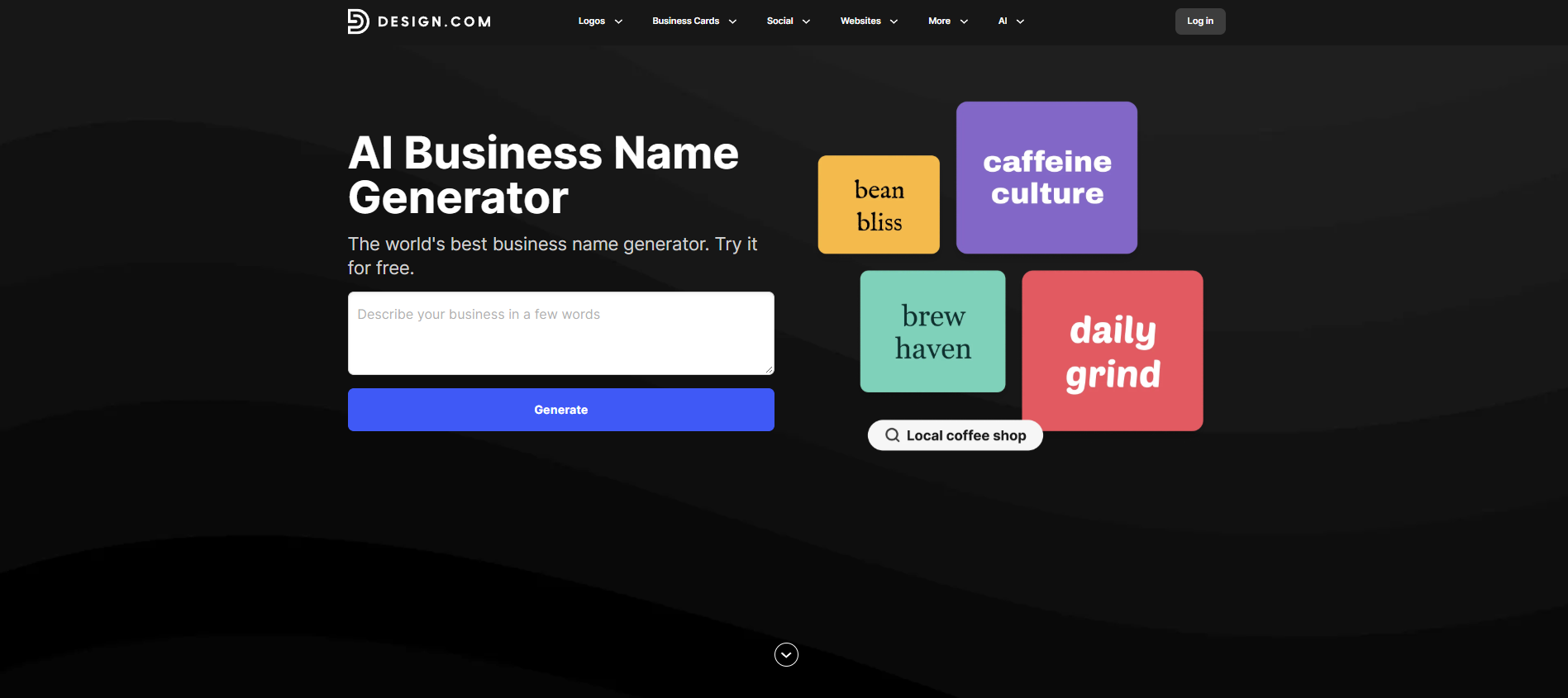
Design.com’s AI Business Name Generator lets you turn a simple business description into a list of name ideas in seconds. For our test, we used the same construction and real estate business description we’ll use for every generator on this list.
Generate Names From a Simple Description
You don’t need to know exactly what you want your business to be called before getting started. Describe your business in a few words, and Design.com generates a list of names based on your input.
For example, we entered a prompt asking the tool to generate a real estate business name:
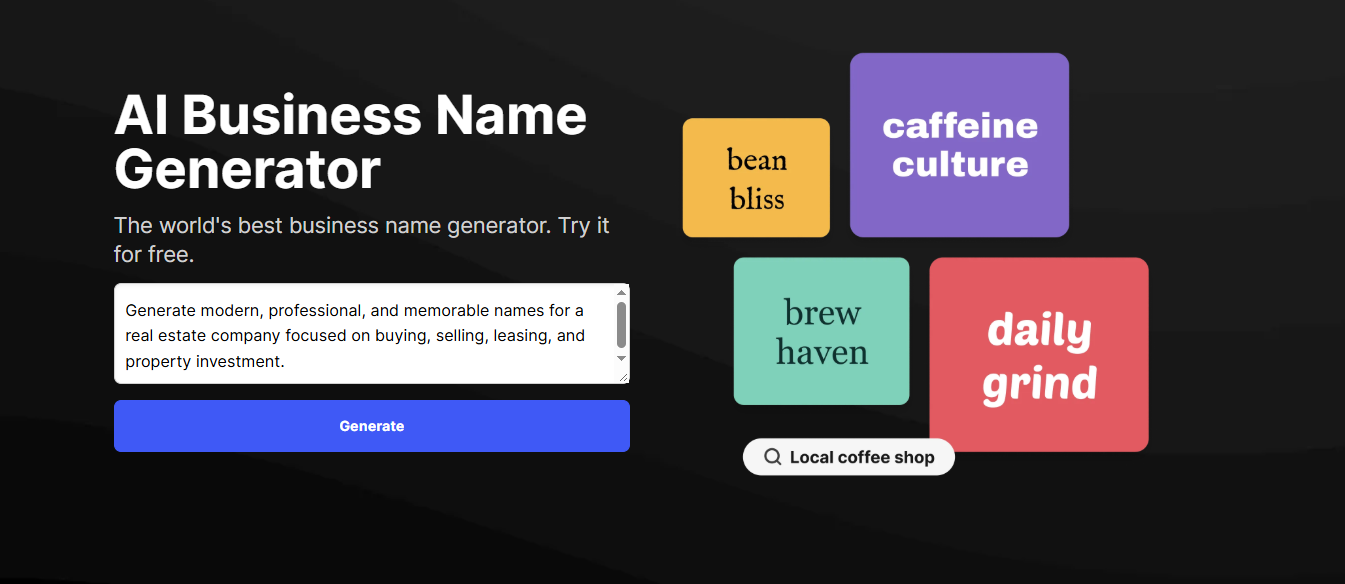
The results appear immediately after generating. This gives you a range of ideas to browse through, rather than committing to one naming style from the beginning.

Adjust the Name Length and Style
Design.com also gives you a few ways to narrow down the results. You can choose a length between:

Short

Medium

Long
Then select a style such as modern, professional, creative, or funny.
For a construction or real estate business, for example, choosing a professional style can yield names that feel more established, while a modern style can lead to shorter, more contemporary suggestions.
If you don’t find something that works, you can change your keywords or preferences and generate another set of ideas. There are no limits on prompts or regenerations, so you can keep exploring without worrying about running out of attempts.
See What Your Business Looks Like on a Logo
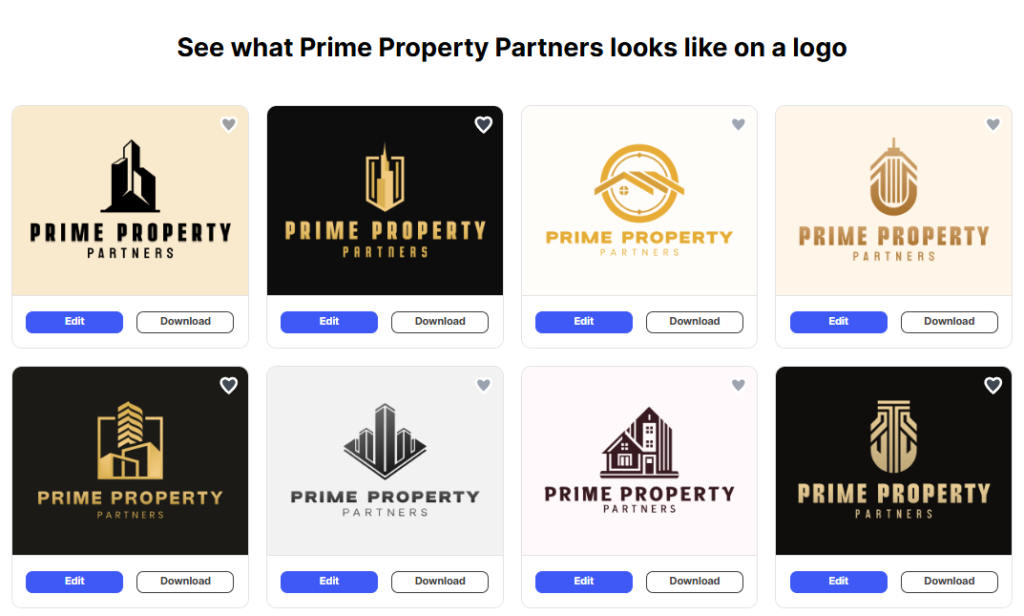
One feature that makes the results easier to picture is the instant logo preview. For many generated names, Design.com shows the name in a professionally designed logo, giving you an early look at how it could work as a visual brand.
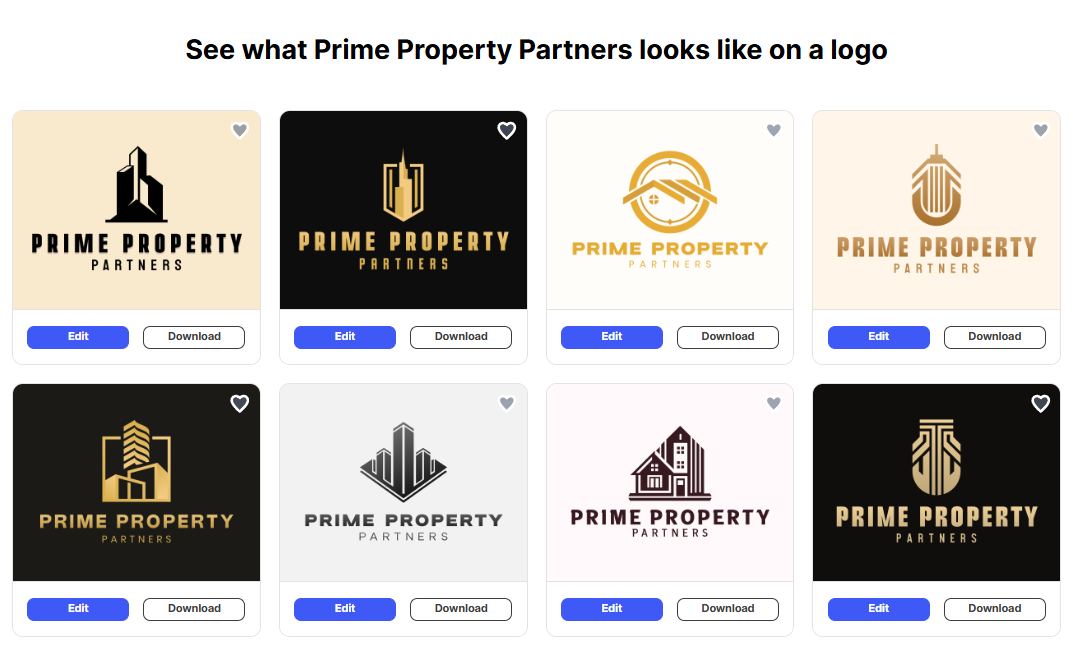
This can be useful when you’re comparing names that sound equally good. Seeing a name in a logo can give you another perspective on whether it feels right for the type of business you’re building.
Once you’ve settled on a name and visual direction, you can also use Design.com’s AI Image Generator to create custom visuals for your brand. This can be useful for social media posts, website graphics, marketing materials, and other content.
Pricing
Design.com’s business name generator is free to use and offers unlimited prompts, refinements, and name previews. Paid plans start at $3/month when billed annually if you want to continue developing the brand after choosing a name.
Best For
Startups and small businesses that want to generate plenty of name ideas and quickly experiment with different lengths and styles.
2. BrandCrowd
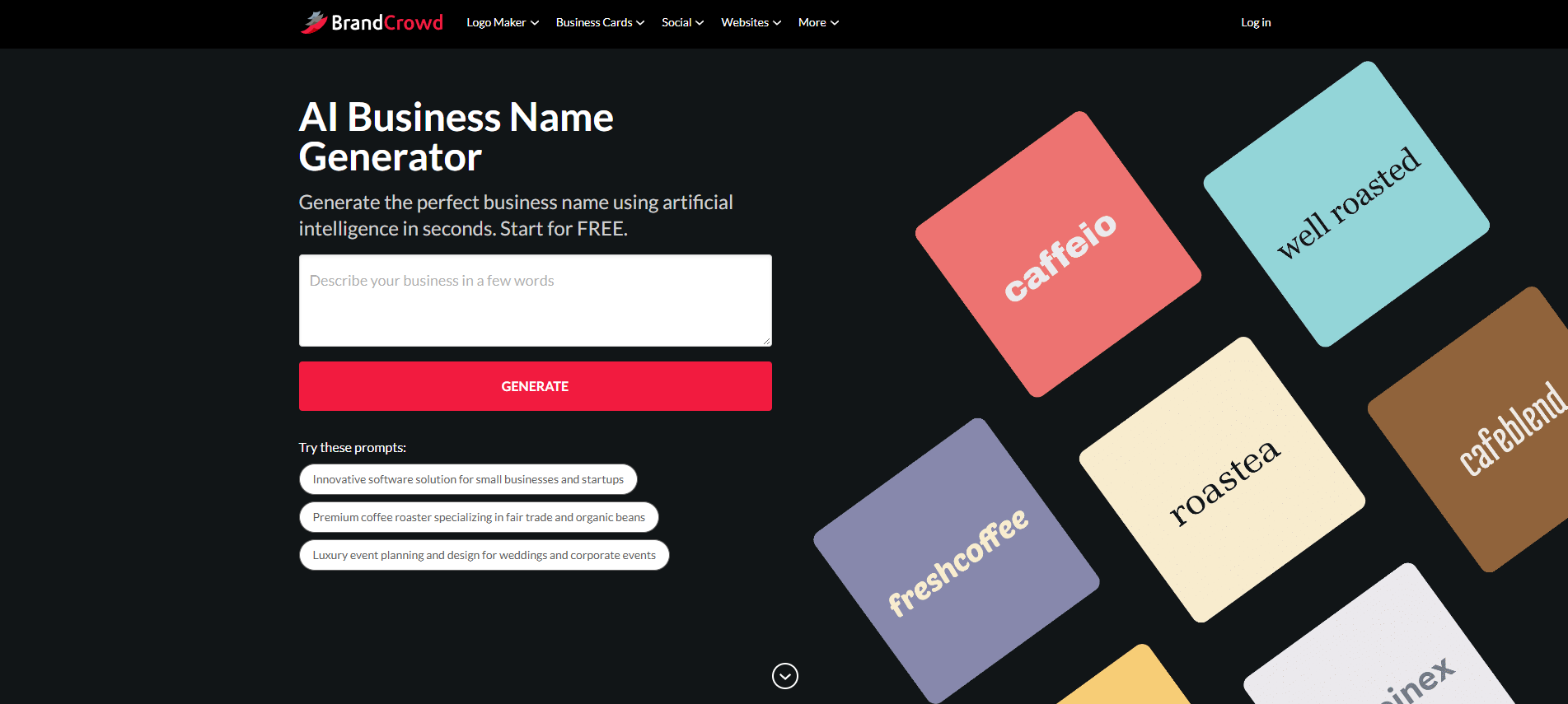
BrandCrowd’s AI Business Name Generator helps turn a business idea into a shortlist of potential names without requiring you to come up with everything from scratch. For our test, we used the same construction and real estate business description.
Start With Your Business Idea
The generator works from the information you provide about your business. Enter a few keywords or describe what the company does, and BrandCrowd uses that information to suggest relevant name ideas.
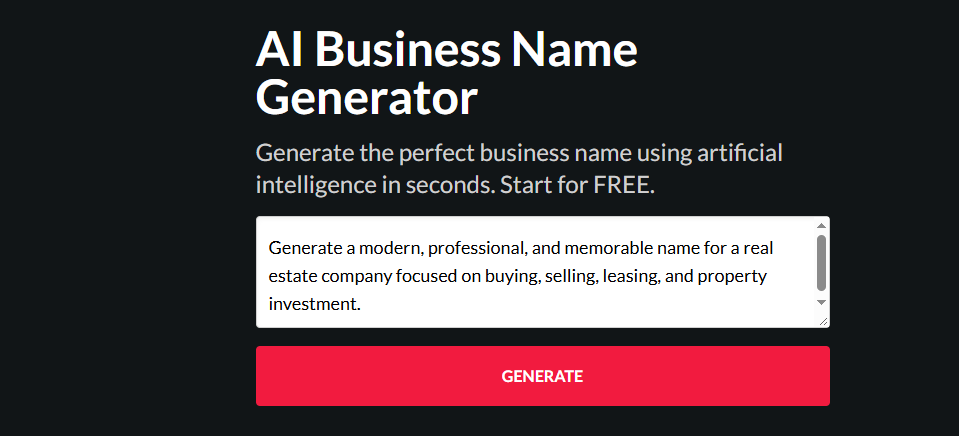
The results give you several directions to explore at once. Instead of trying to think of names one by one, you can scan through the suggestions and identify words, combinations, or naming styles that fit your business.
Explore Different Naming Directions
BrandCrowd is useful when you’re still figuring out what kind of name you want. You can experiment with different keywords and adjust your search to find names that are shorter, more descriptive, or more brandable.

For example, a construction and real estate company might want a name that sounds established and professional, while another business in the same industry could prefer something shorter and more modern.
With BrandCrowd, you can adjust the length and the style to ensure that you get the results you are looking for:


Trying different inputs makes it easier to compare those directions before settling on a name. These tips for choosing the best name using a business name generator can also help you narrow down your options and find a name that fits your business.
Preview the Name as a Brand
Once you find a name you like, BrandCrowd can also show how it could look as a visual identity. The generated names can be paired with logo concepts, giving you a better sense of how the name might work beyond a list of text.
Best For
Businesses that want to explore different naming ideas and see how potential names could translate into a visual brand.
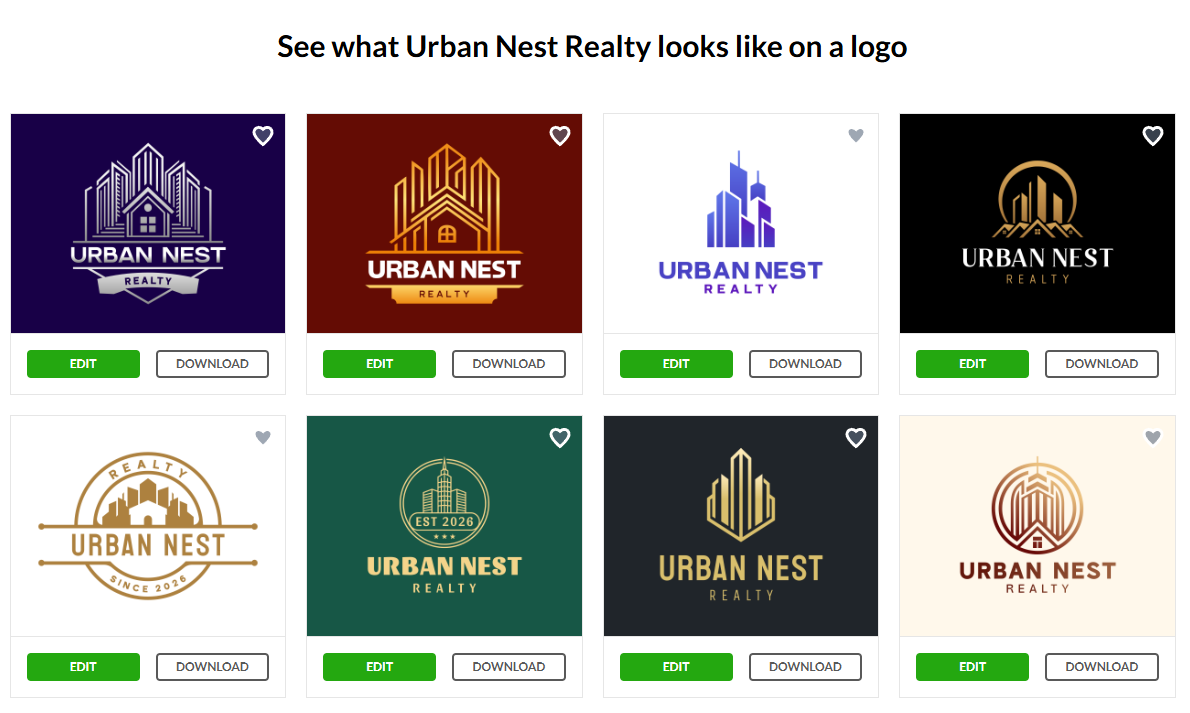
This is particularly useful if you’re comparing several potential names. A name can sound good on its own, but feel different once you see it presented as a logo.
Pricing
BrandCrowd’s AI business name generator is free to use. If you decide to continue developing your branding after choosing a name, BrandCrowd’s paid plans start at $3/month when billed annually.
3. Canva
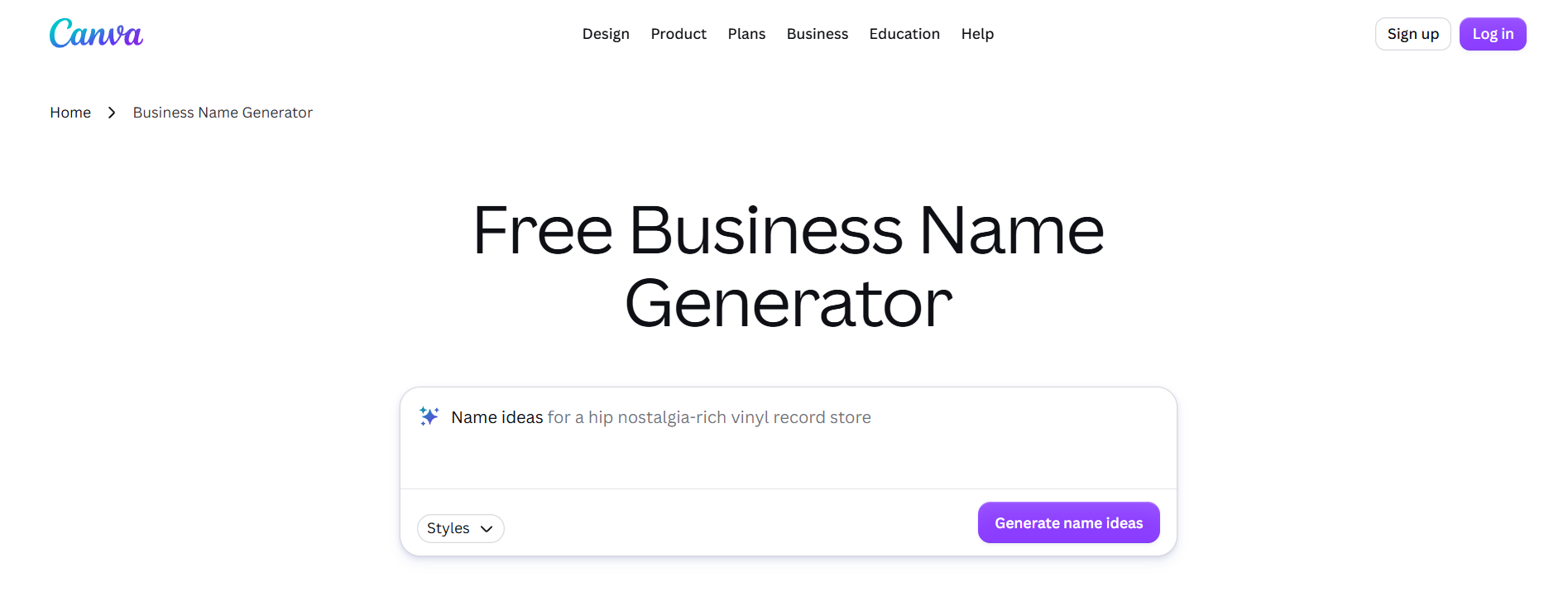
Canva’s AI tools can also help with the early naming stage of a new business. For our test, we used the same construction and real estate business description to see what kinds of names Canva could suggest.
Generate Name Ideas With AI
Canva lets you describe what you’re building and use AI to generate ideas. This makes it useful when you have a general business concept but haven’t settled on a name yet.
For a construction and real estate business, you can describe the type of services you offer and the kind of brand you want to create. The AI can then help generate possible names and provide a starting point for further brainstorming.
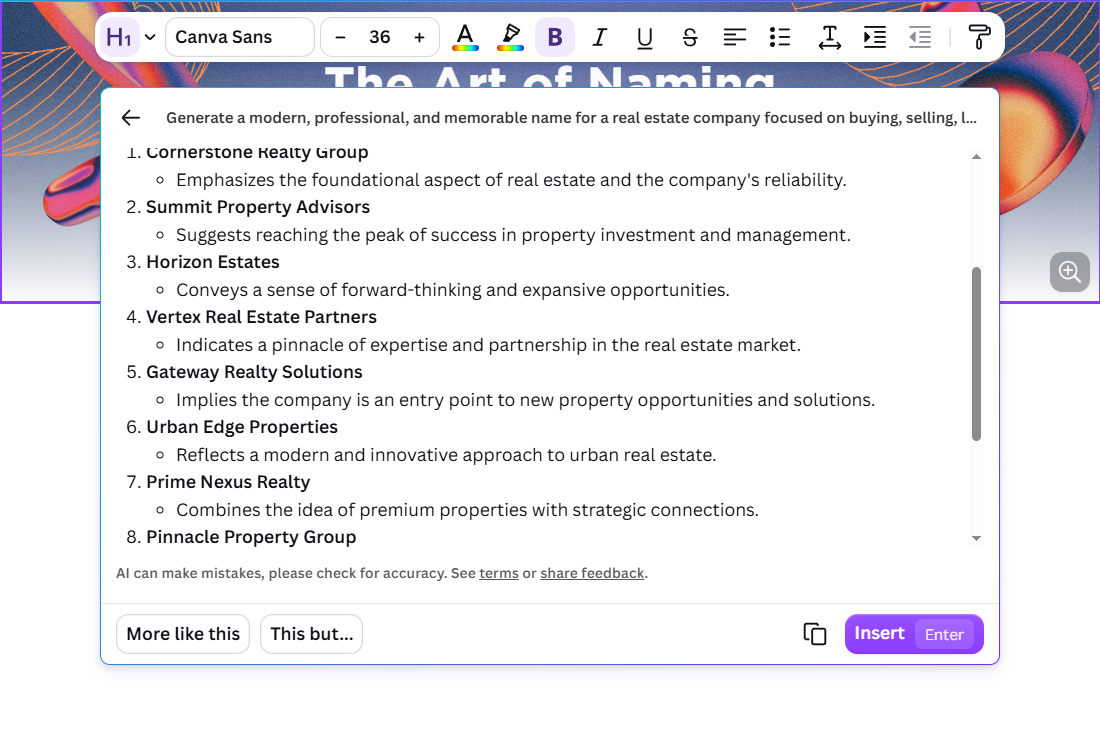
The main advantage here is that Canva’s AI is part of a much larger creative platform. Once you have a name you like, you can continue using Canva’s other design tools instead of starting over in a separate application.
Pricing
Canva has a Free plan. Canva Pro starts at $144/year for one person, while Canva Business is currently $20/month per person. The business name generation itself does not require a separate paid fee.
Best For
Businesses that want to brainstorm names and continue creating their branding in the same design platform.
4. Namelix
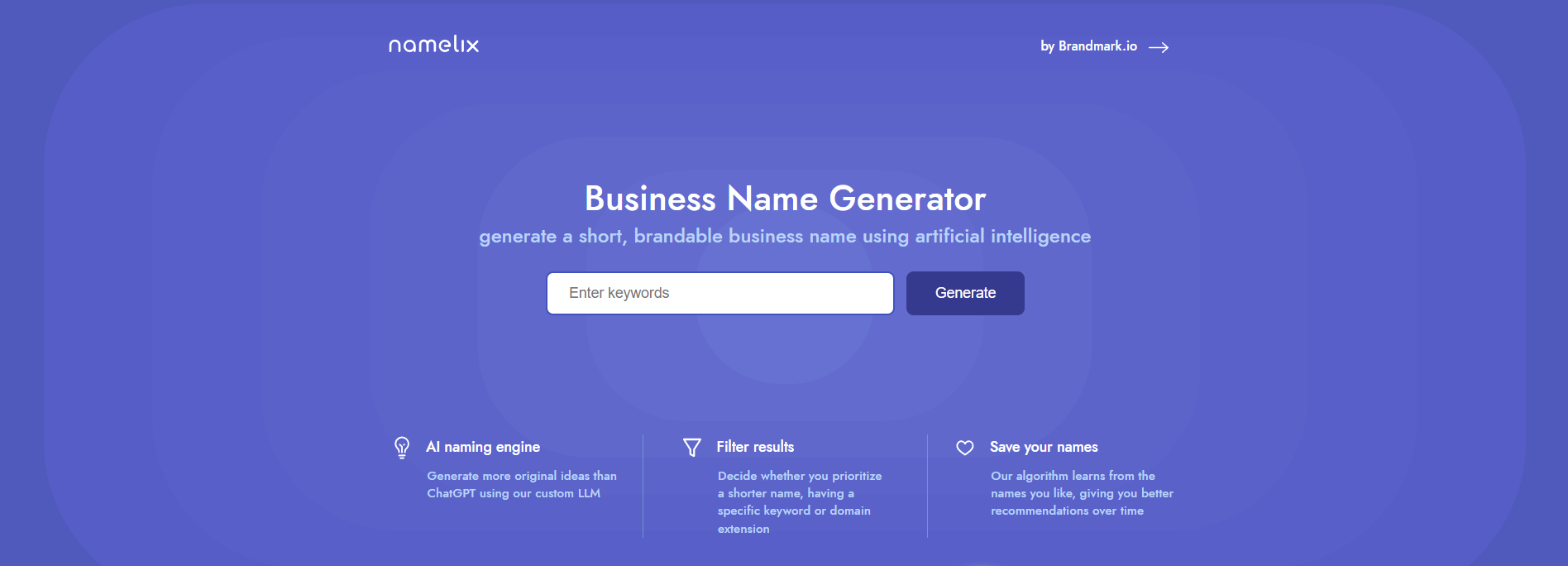
Namelix takes a more name-focused approach than the broader design platforms on this list. It is built specifically around generating short, brandable business names, making it useful when you want to explore different naming styles quickly.
Start With Keywords and a Business Description
For our test, we entered the same construction and real estate business description used with the other generators. Namelix lets you add brand keywords and an optional business description to give the generator some context.
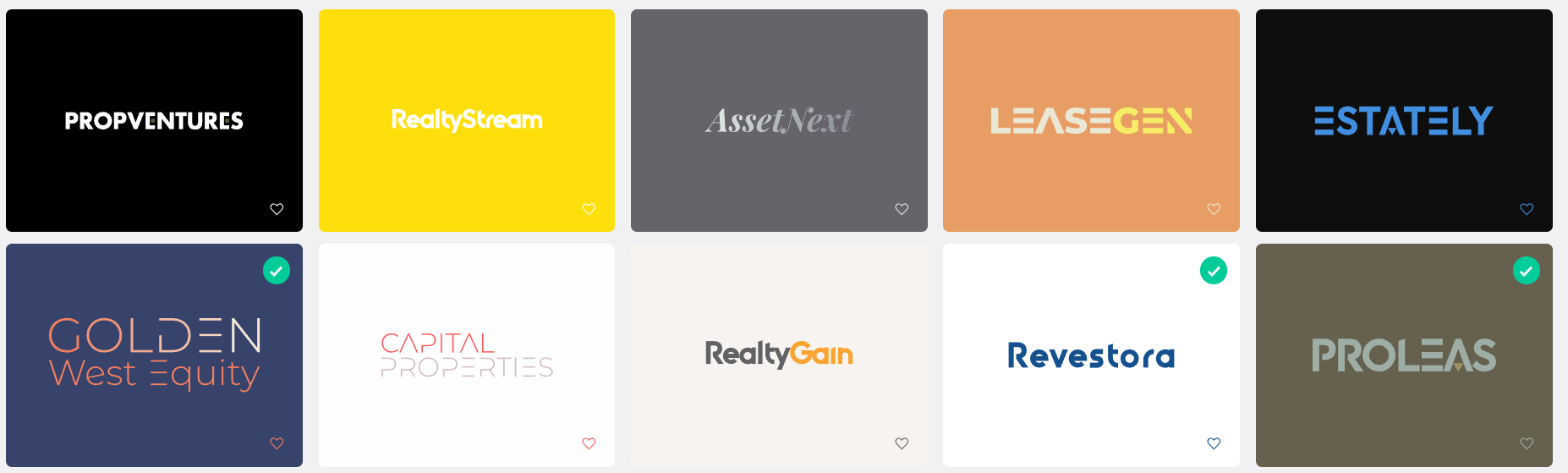
You can also specify a maximum name length and choose whether you want to check particular domain extensions.
Pricing
Namelix’s business name generator is free to use.
Best For
Founders who want short, distinctive, and brandable names with more control over naming styles.
5. Wix
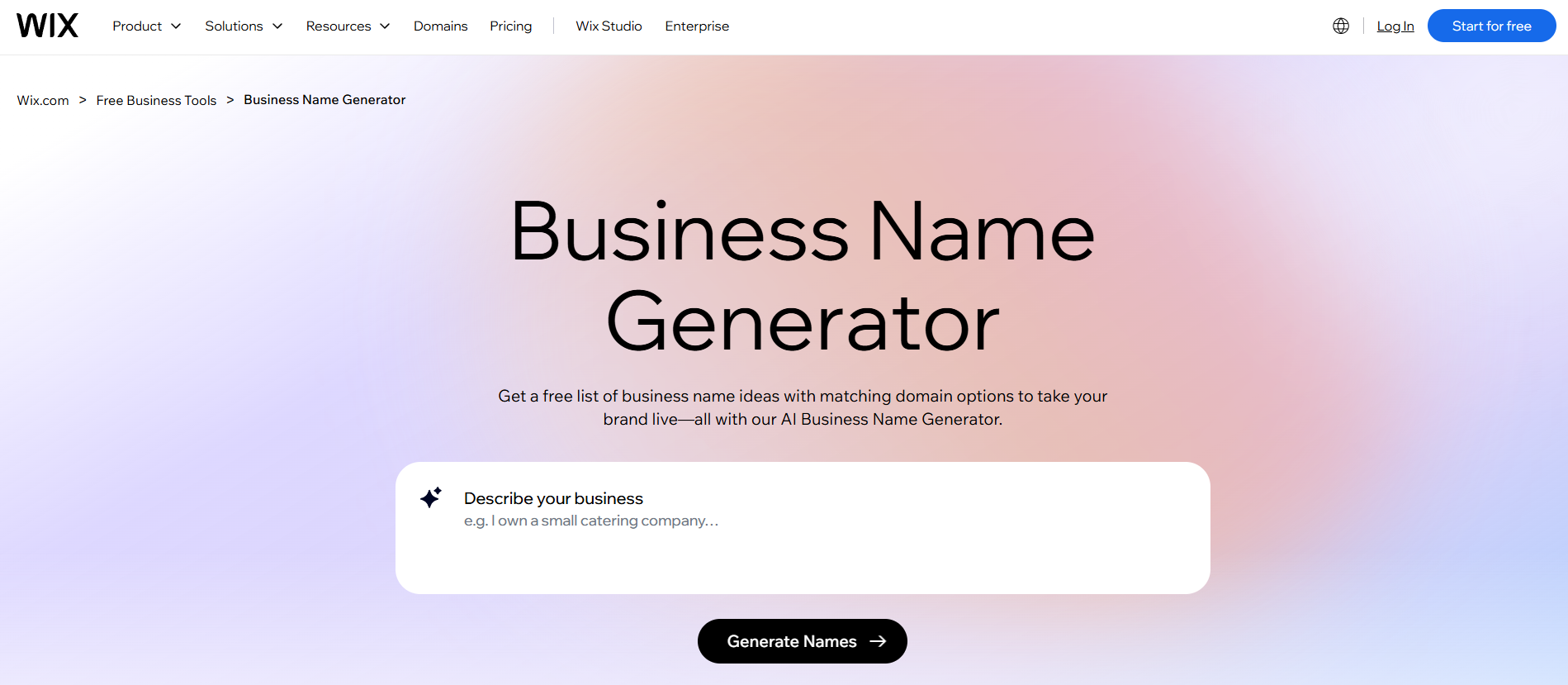
Wix’s Business Name Generator uses AI to generate potential company names from a business description, keywords, or industry. It also connects the naming process with domain and website creation, which can be useful for businesses preparing to launch online.
Describe the Business
For our test, we used the same construction and real estate business description as the other tools. Wix starts with information about what your business does, then uses that context to generate name suggestions.
You can also provide keywords and select an industry to make the results more relevant. Wix specifically includes Real Estate among its industry options.
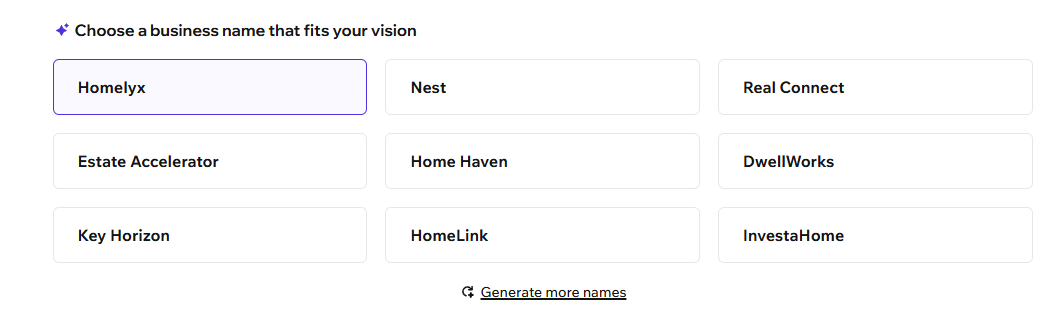
The results are designed to give you multiple directions to consider rather than locking you into one naming style. If you want more options, you can generate another set of suggestions.
Pricing
Wix’s Business Name Generator is free to use and offers unlimited name suggestions, according to Wix. A free Wix account is required to use the AI name generator.
Best For
New businesses that want to generate a name and check potential domain options as part of the same process.
6. GoDaddy
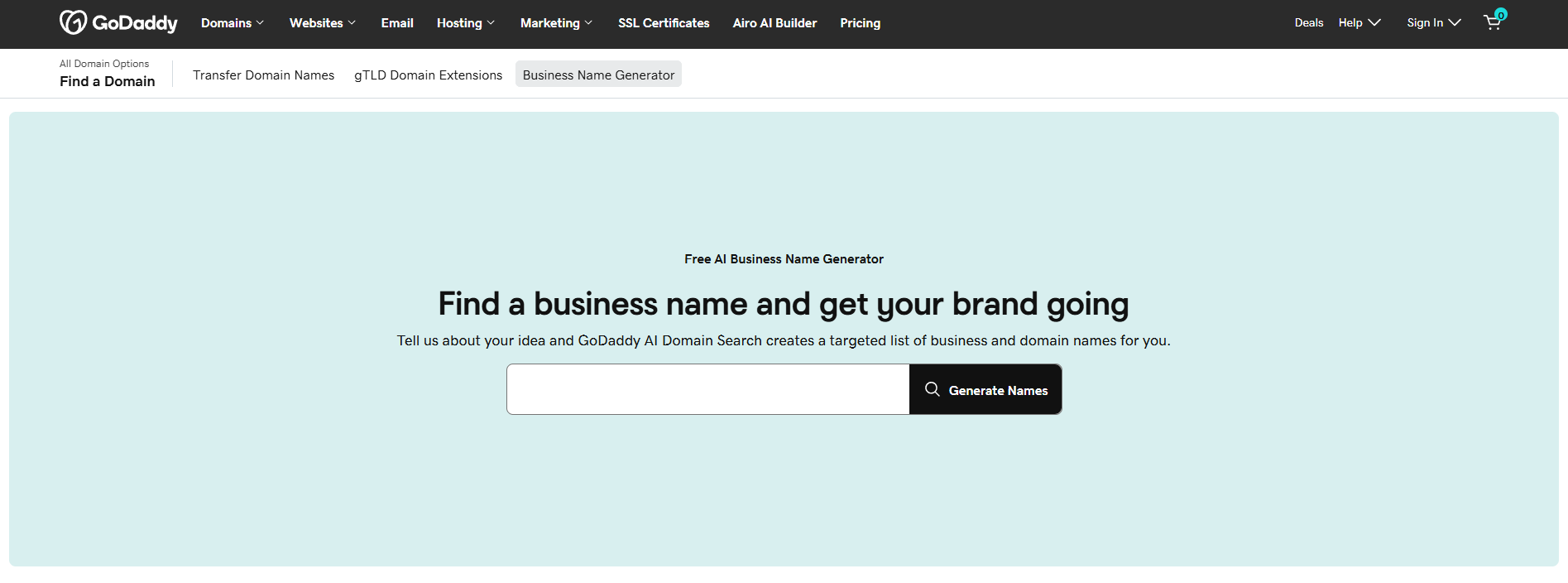
GoDaddy’s business naming tools are useful if you’re thinking about the business name and its domain at the same time. The platform combines name exploration with its broader domain services, making it easy to move from an idea to checking whether you can use it online.
Generate Names From Your Business Idea
For our test, we used the same construction and real estate business description as the other generators. The goal is to see how the tool turns a straightforward description into possible business names.
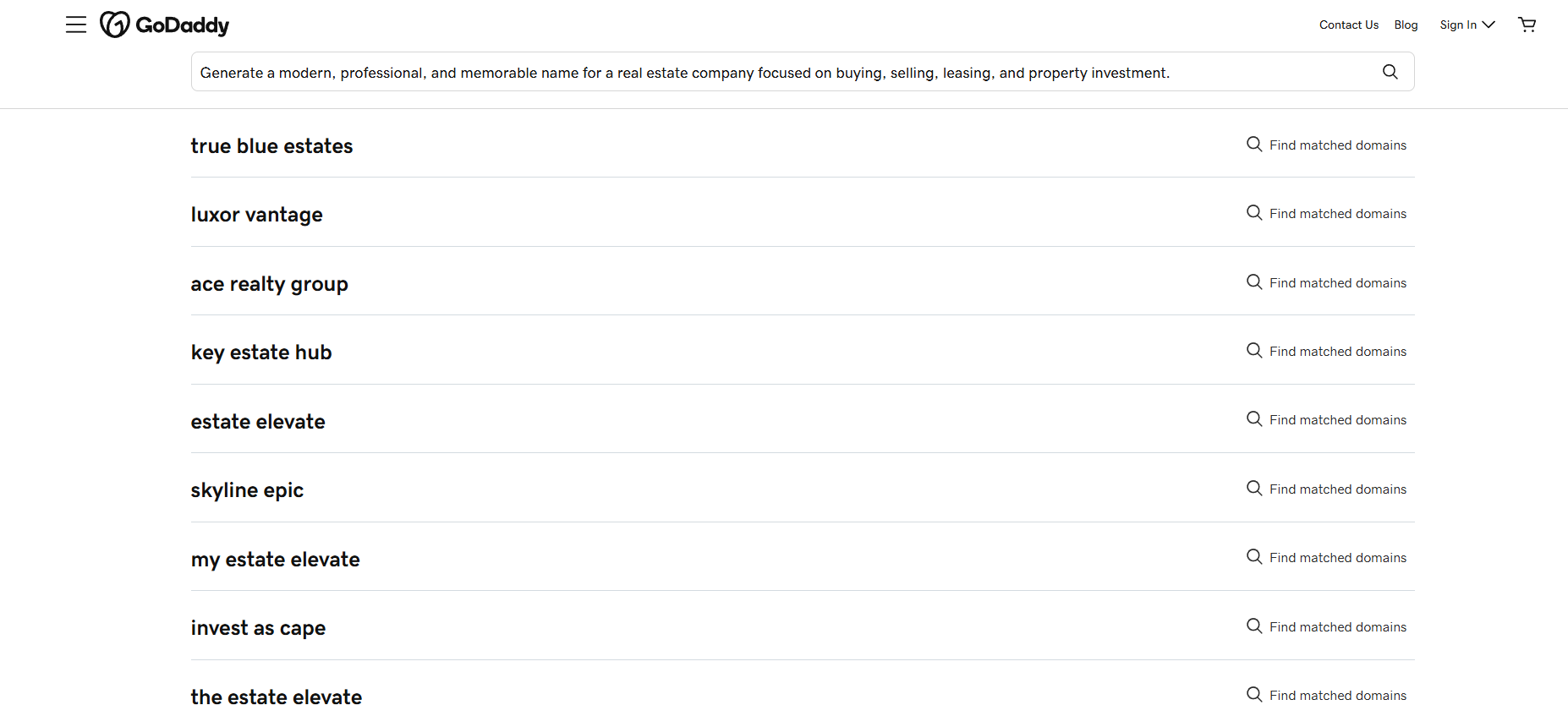
The generated suggestions give you several options to consider before deciding what direction fits the company. If you’re still brainstorming, you can use different descriptions or keywords to explore additional possibilities.
Pricing
GoDaddy’s AI business name generator is free to use. Domain purchases are separate, with promotional pricing varying by extension, eligibility, and purchase term.
Best For
Businesses that want to brainstorm a name while keeping domain availability in mind from the start.
7. Looka
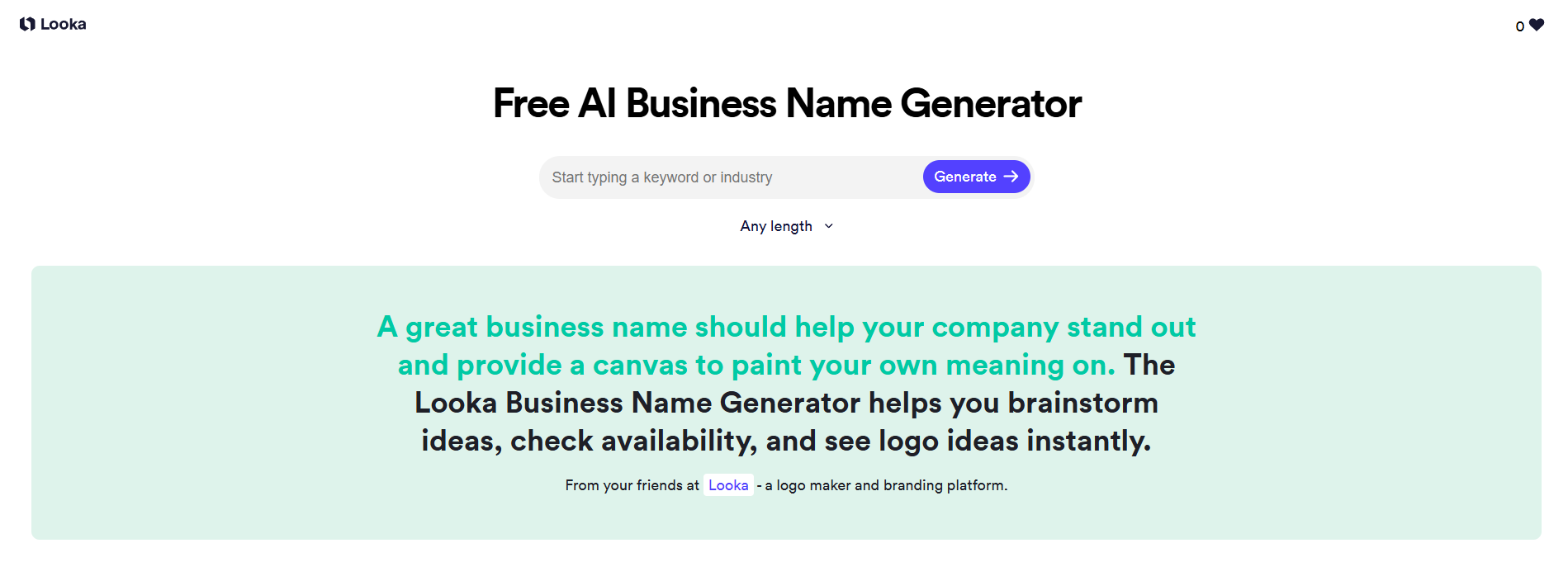
Looka’s Business Name Generator focuses on helping you find a name that can also work as the foundation for a visual brand. It generates ideas based on keywords or industries and gives you several ways to narrow the results.
Generate Names From Keywords or Industries
For our test, we used the same construction and real estate business description used throughout the article. You can enter keywords related to the business or choose an industry to start generating ideas.
Looka can produce different types of names, including invented names, compound words, and industry-specific names.
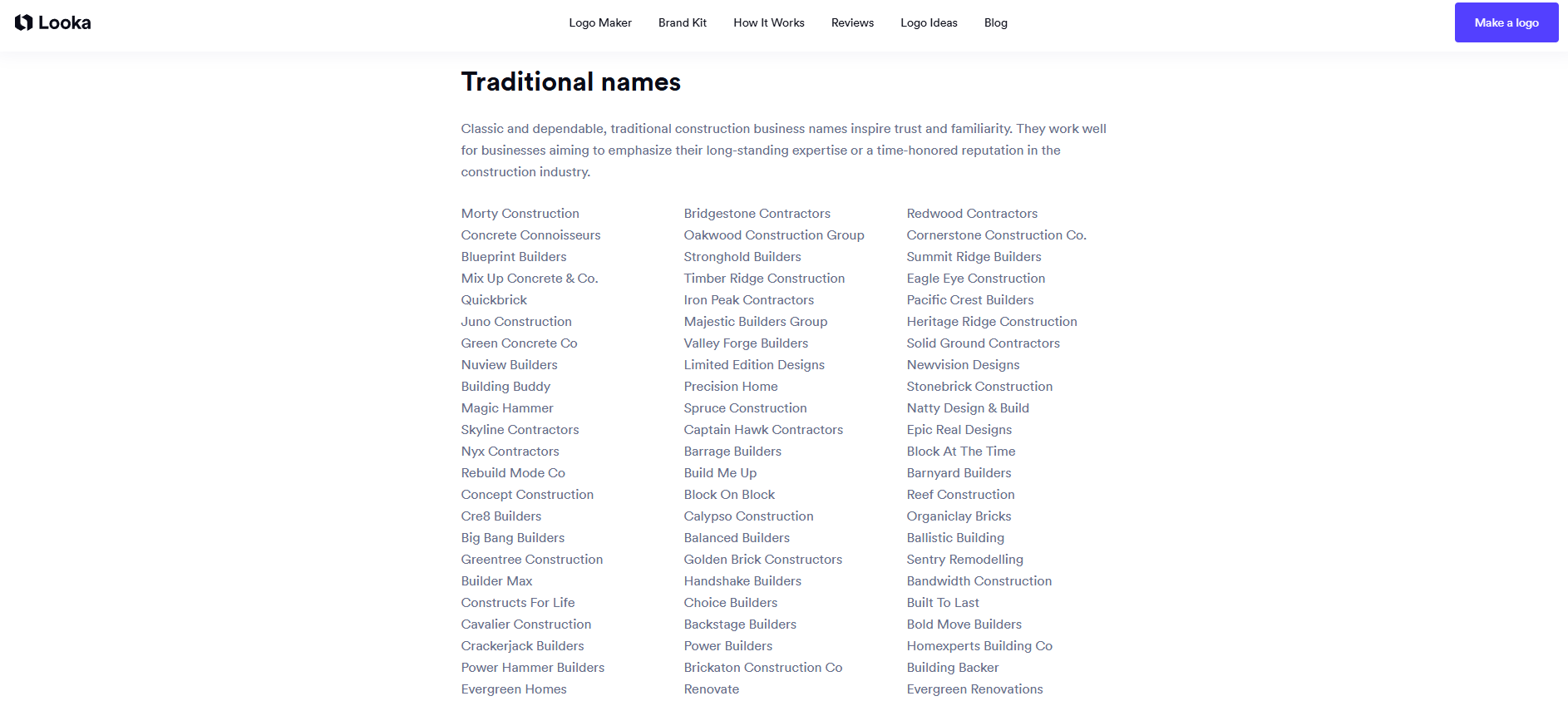
This gives you room to explore both straightforward names and more distinctive brand-style options.
Pricing
Looka’s Business Name Generator is free to use. Creating a logo is also free to explore, while paid logo packages and Brand Kit subscriptions are available if you decide to continue with the branding. Looka’s Brand Kit starts at $96/year, billed annually.
Best For
Businesses that want to explore names, check online availability, and quickly see how potential names could look as logos.
What Makes a Good AI Business Name Generator?
An AI business name generator can give you hundreds of ideas, but quantity isn’t the only thing that matters. The useful ones make it easier to find names that actually fit your business.
Here are a few things to look for when comparing a generator:
- Relevant suggestions: The names should reflect your business, industry, keywords, or target audience rather than producing completely random combinations.
- Different naming styles: A good generator should let you explore more than one direction, from straightforward and professional names to shorter or more creative options.
- Useful customization: Controls for name length, keywords, industries, or other preferences can help narrow down a long list of suggestions.
- Easy refinement: You shouldn’t have to start from scratch every time you want to try a slightly different idea. The ability to adjust your input and generate more options makes the process much faster.
- Domain availability: If you plan to build a website, checking whether a suitable domain is available can save you from falling in love with a name you can’t use online.
- Room to build the brand: A name is only the starting point. Some generators make it easier to move from a name into logos and other brand assets once you’ve found an option you like.
Final Thoughts
An AI business name generator can make it much easier to brainstorm names and find ideas that fit your business. Still, check the availability of your final domain and trademark choice before using them.
Design.com is a simple option for generating names, with different styles and lengths to explore. You can also preview your ideas as logos, making it easier to see how a name could work for your brand.
Ready to find your business name? Start generating ideas with Design.com and find a name that fits your brand.
