
Every marketer, content creator, and small business owner eventually hits the same wall. You need a striking visual for a social post, a website banner, or a pitch deck, and you need it now. Stock photo libraries feel generic, hiring a designer takes time and budget you may not have, and searching for “the right image” can eat up hours you don’t have to spare.
AI image generators solve this problem directly. Instead of searching for an image that already exists, you describe the one you need, and AI creates it in seconds. The technology has matured quickly, and in 2026, there are tools capable of producing genuinely professional results, several of which are free to use.
This article breaks down five of the best AI image generators available right now. Each one is suited to different needs, from quick social graphics to legally safe commercial work. By the end, you’ll know exactly which tool fits your workflow.
TL;DR
Design.com is the strongest overall pick for combining free AI image generation with a full design toolkit. Adobe Firefly leads on commercial safety, Canva AI wins on simplicity, Leonardo.Ai offers the most creative control, and Google Gemini is a strong free all-rounder.
Quick Pick Table
| Tool | Best For | Price | Steps from Prompt to Finished Asset |
|---|---|---|---|
| Design.com | Turning AI images into finished designs | Free to use, paid plans from $3/month | Generate, then edit and brand in the same platform |
| Adobe Firefly | Commercially safe, legally cleared images | Paid plans from $9.99/month | Generate, then export to another tool to finish |
| Canva AI | Beginners already working inside Canva | Free, paid plans for extra features | Generate directly inside an existing Canva design |
| Leonardo.Ai | Creative control and model variety | Paid plans from around $12/month | Generate, then export to another tool to finish |
Google Gemini | Fast, single-image generation | Free | Generate and download, no further editing built in |
The 5 Best AI Image Generators, Ranked
1. Design.com
Best for turning ideas into finished designs. Free to use without an account, with paid plans starting at $3/month for extra tools and templates.
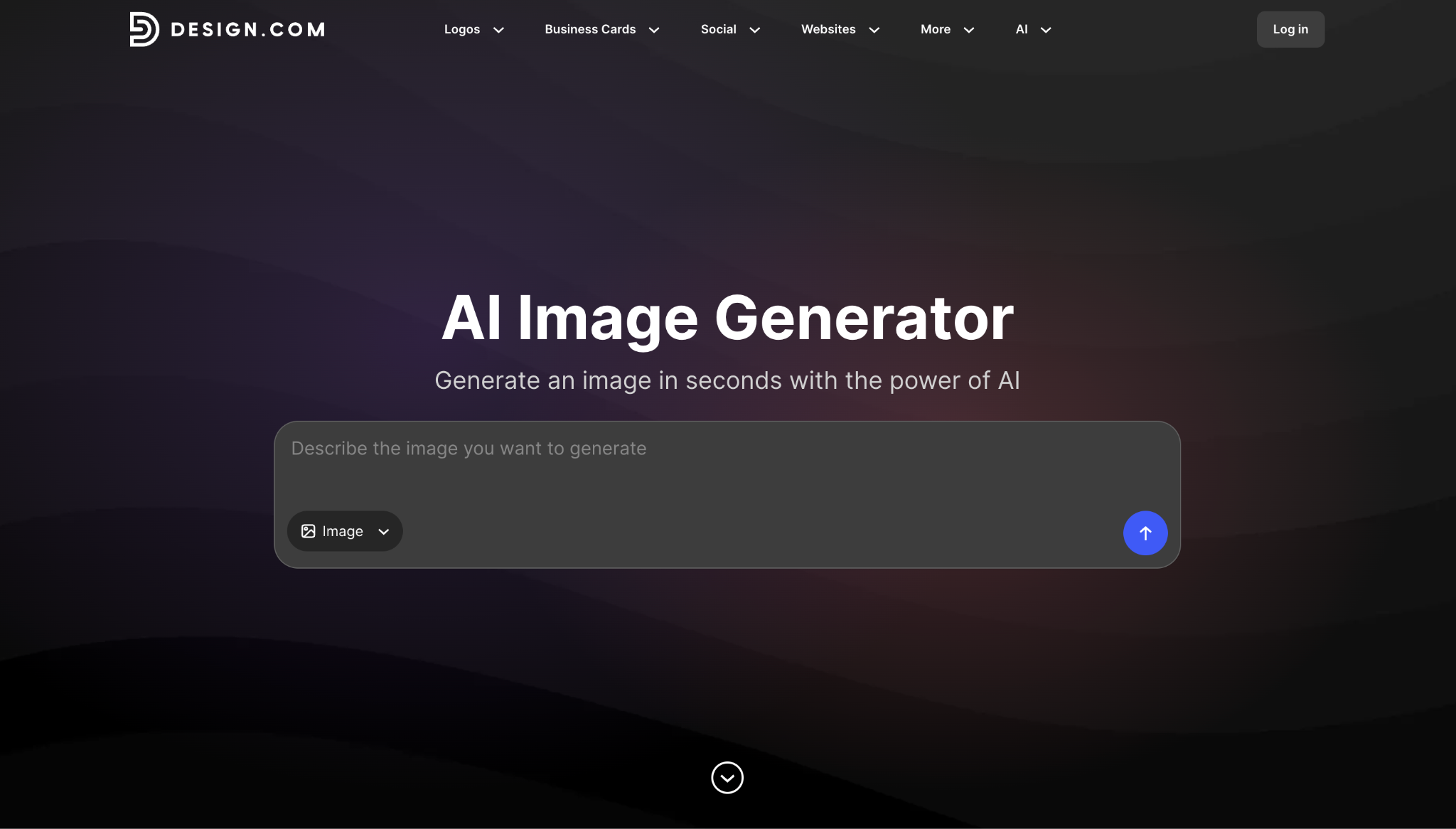
Design.com’s AI image generator lets you type a description and get multiple image options back in seconds. You can specify subject, setting, style, mood, lighting, and color to shape the result, then revise your prompt and generate again until it fits. No account is required to start, and AI editing is included free for a limited number of edits.
The difference appears after the image is created. Paid plans start at $3/month, billed annually, and include 50 AI-generated images per month, along with access to over 651,000 templates and 50+ other design tools. That means the same platform that generated your image can also turn it into a social post, a flyer, or an entire brand identity, without needing to export to a second tool.
Compared to Leonardo.Ai, which hands you a high-quality file and stops there, Design.com trades a little technical depth for a shorter, cheaper path from idea to something you can actually publish.
2. Adobe Firefly
Best for commercial work that needs legal safety. Paid plans start at $9.99/month, with a limited free tier.
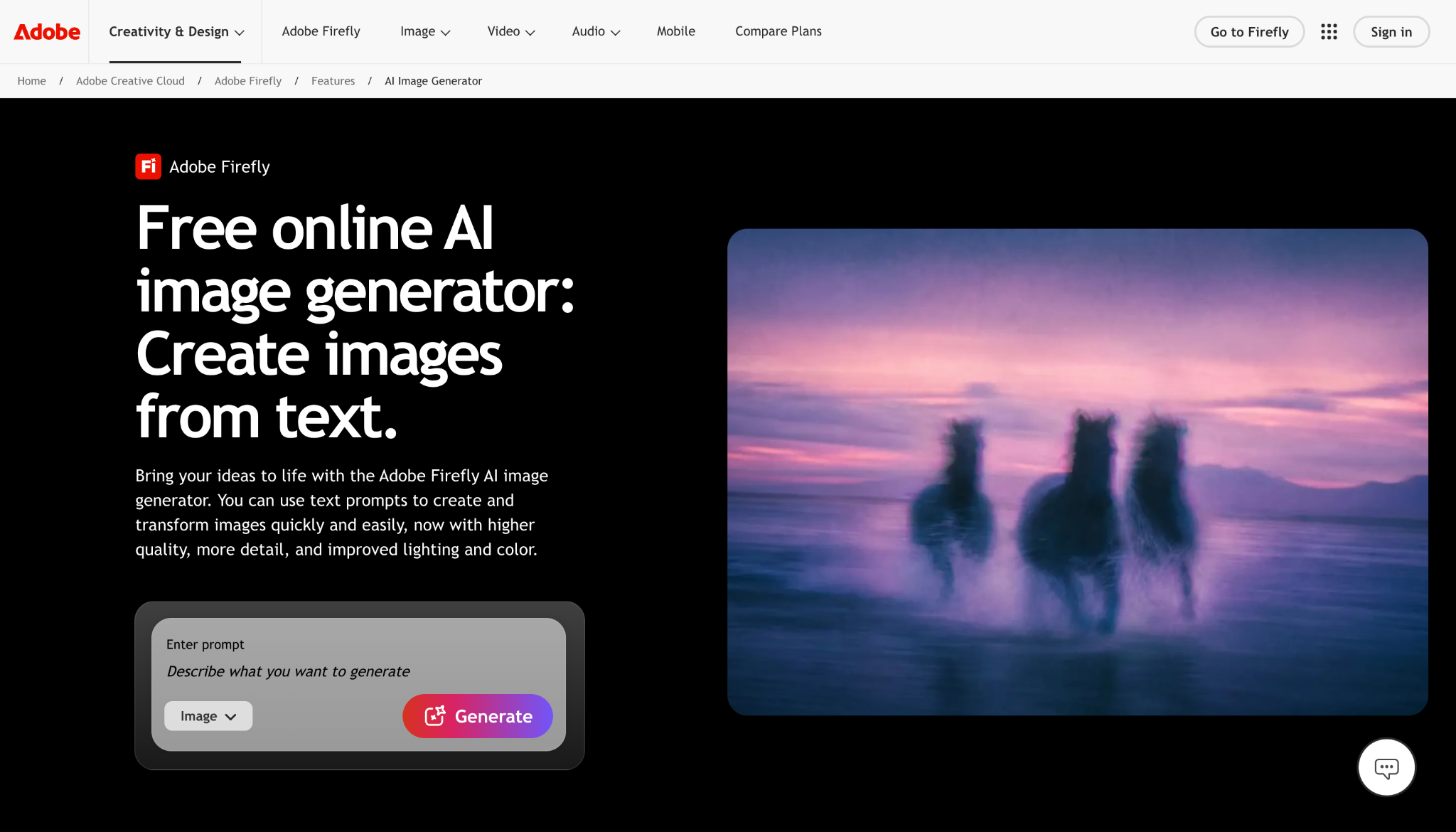
Adobe Firefly is trained exclusively on licensed content, including Adobe Stock and public domain material. This makes it the safest option for teams that need to avoid copyright risk in client work or ad campaigns. Paid subscribers also get IP indemnification, meaning Adobe stands behind the output in the event of a legal claim.
The free tier gives new users a small set of generative credits that expire after a month, which is tight for regular use. Once an image is generated, Firefly doesn’t offer built-in tools to turn it into a finished graphic, so most users export it into a separate design app. For agencies and legal teams that prioritize documented provenance over convenience, that extra step is usually worth it.
Unlike Design.com, which keeps the whole process in one platform, Firefly is built around getting the image itself right and leaving the rest to you.
3. Canva AI
Best for beginners already working inside Canva. Free tier available, with paid plans unlocking extra features.
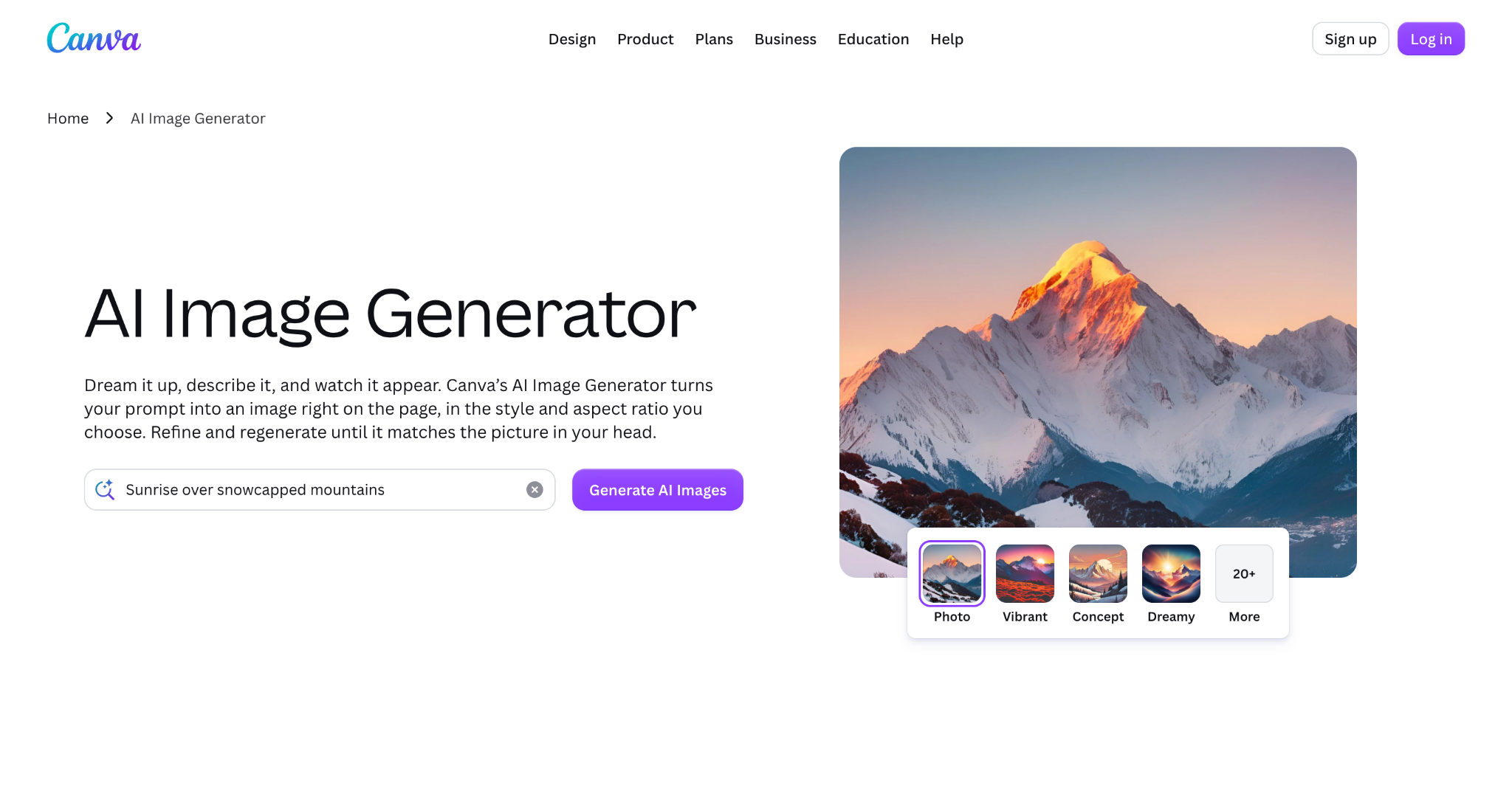
Canva AI, known as Magic Media, is built directly into the Canva design platform. If you’re already working on a social post or presentation in Canva, generating an image and dropping it straight into that design takes no extra steps. The interface is simple enough that first-time users can get a usable image within minutes.
Commercial use is permitted within Canva’s content terms, which cover most everyday business needs. Image quality is good for general use, but less specialized than dedicated AI tools built purely around generation. Canva AI works best as a feature inside a design you’re already making, rather than a starting point for exploring an idea.
Compared to Design.com, Canva AI assumes you’re already mid-design, while Design.com is built to take you from a blank prompt all the way to a finished asset.
4. Leonardo.Ai
Best for creative control and model variety. Free tier includes 150 tokens per day, with paid plans starting around $12/month.
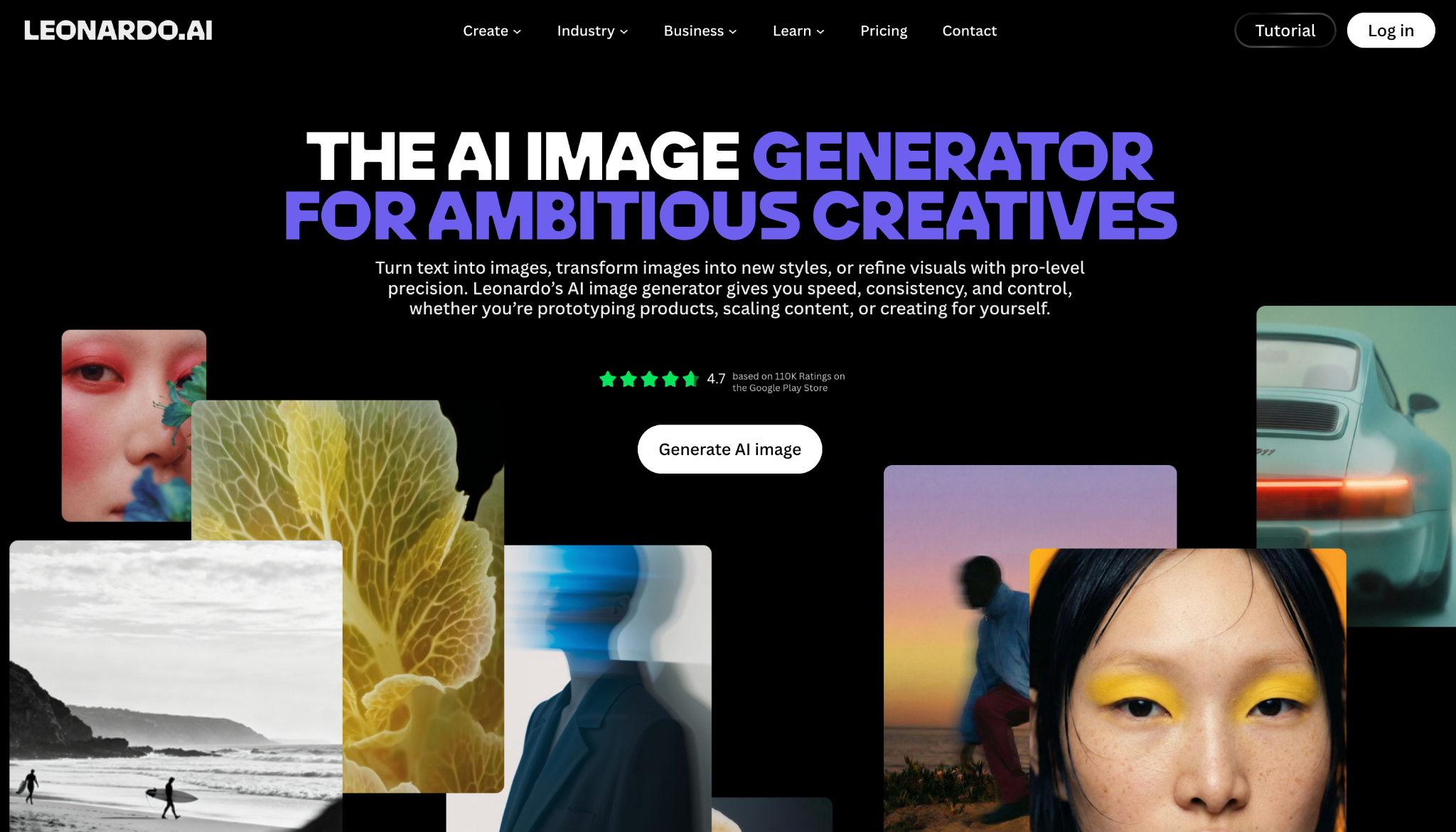
Leonardo.Ai stands out for letting users switch between multiple AI models optimized for different styles, including photorealism, anime, concept art, and product photography. This flexibility appeals to designers and hobbyists who want more say over the final look than a single default model allows. The free daily token allowance is generous enough for regular, meaningful use.
The tradeoff is a steeper learning curve and a narrower focus. Getting the most out of Leonardo.Ai means understanding settings like guidance scale and model selection. Once you’ve generated an image, there’s no built-in path to turn it into a branded or publish-ready asset. Power users who want to experiment with the image itself and don’t mind finishing it elsewhere will find it rewarding.
Where Design.com optimizes for the shortest path to a finished graphic, Leonardo.Ai optimizes for control over the image itself.
5. Google Gemini
Best free option for a single, quick image. Free to use with browser-based access.
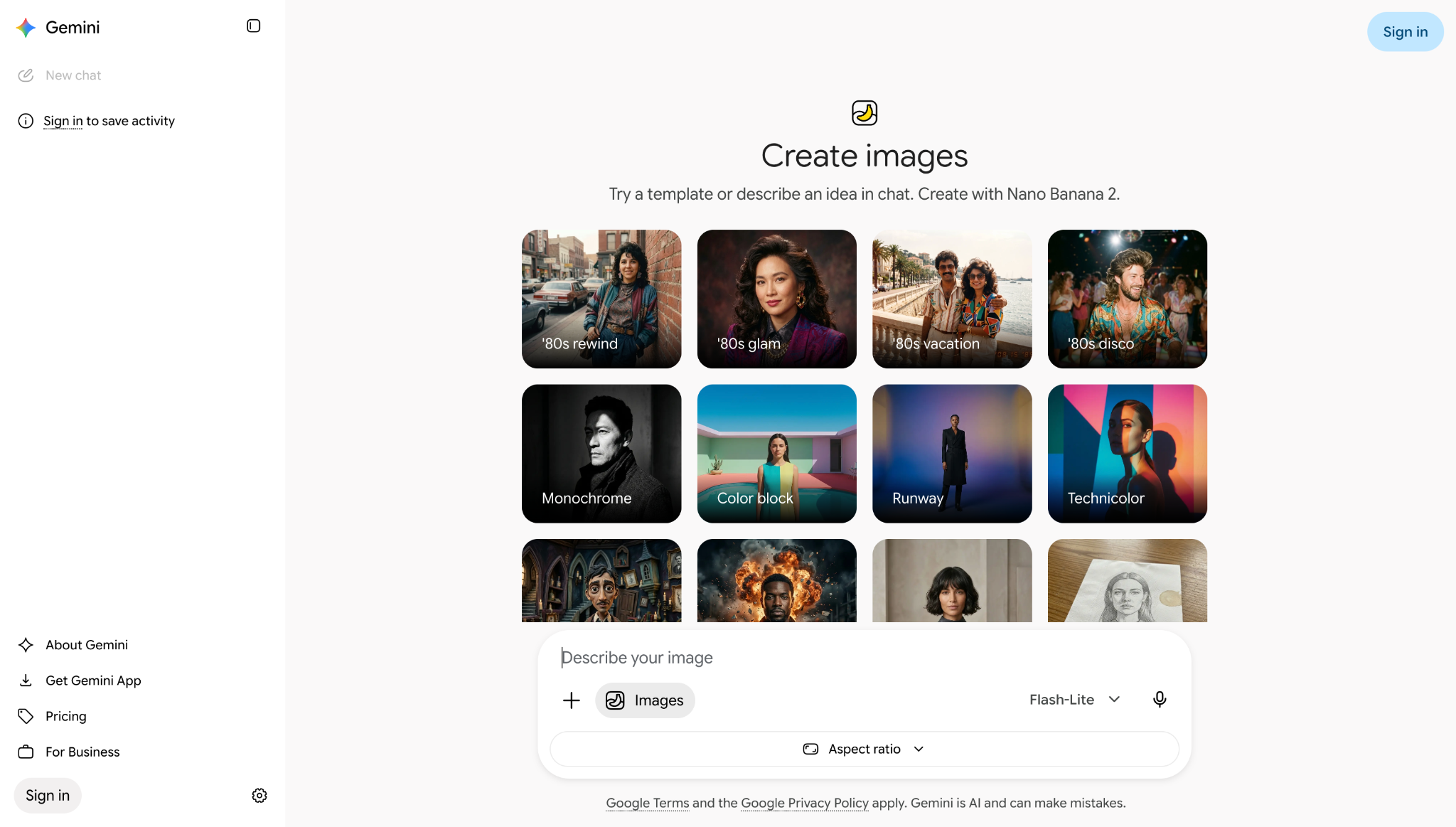
Google Gemini has become one of the most recommended free AI image generators in 2026, largely because of its low setup effort and consistent output quality. There’s no complicated onboarding or credit system to learn. You describe what you want and get a usable image quickly.
It doesn’t offer style depth like Leonardo.Ai or a way to build that image into a larger design like Design.com. What you generate is what you get, downloaded and ready to use as-is. For a one-off image with no further editing needed, that simplicity is exactly the point.
Compared to Design.com, Gemini is faster for a single image but offers nothing once you need to turn that image into something more finished.
Final Verdict
Each of these five tools solves a slightly different problem, and the real difference between them isn’t just image quality; it’s what happens after the image is generated. Adobe Firefly and Leonardo.Ai produce strong results but leave you to finish the work elsewhere. Canva AI and Google Gemini are convenient for quick, standalone use.
Design.com stands apart because it treats the generated image as a starting point rather than an end point, pairing free AI generation with the templates and tools to turn it into something publish-ready on the same platform. For small businesses, marketers, and creators who need finished assets rather than just image files, that shorter path from prompt to publish makes it the strongest overall pick, especially with a free tier that requires no account and paid plans starting at just $3/month.
AI image generation is no longer a novelty. It’s a practical part of how content gets made, and the tools that will matter most going forward are the ones that get you all the way to something you can actually use.
FAQs on AI Image Generators
What is the best free AI image generator in 2026?
Design.com is a strong free option, letting you generate images without creating an account and offering free AI editing on top of that. Google Gemini and Canva AI are also solid choices if you just need a single quick image. The best pick depends on whether you need just an image or a finished asset built around it.
Which AI image generator is best for commercial use?
Adobe Firefly is the go-to choice if legal documentation matters most, since it’s trained on licensed content and offers IP indemnification on paid plans. Design.com is a strong option for everyday commercial use, too, since it lets you generate an image and turn it into a marketing asset without switching tools. Which one fits depends on how much legal protection your specific work requires.
Do I need a separate design tool to use my AI-generated image?
It depends on the platform. Adobe Firefly, Leonardo.Ai, and Google Gemini hand you an image file with no built-in way to turn it into a finished graphic, so most users move it into another app. Design.com and Canva AI both include editing and template tools, so the image can go straight into a finished post, flyer, or presentation.
What’s the easiest AI image generator for beginners?
Canva AI and Design.com are both built for users with no design background, letting you generate images through simple text prompts. Design.com has the added advantage of not requiring an account to get started, and its free tier includes basic editing. Either is a reasonable starting point, depending on whether you’re already using Canva.
Do I need design skills to use an AI image generator?
No. All five tools in this article are built around natural language prompts, so describing your idea in plain words is enough to generate an image. Getting from that image to a finished, publishable graphic is where the tools differ, and platforms like Design.com close that gap without requiring separate design software.
