
A good logo is needed to make a business look more professional and recognizable.
However, creating one isn’t easy, especially if you don’t have design background.
This is where online logo makers can help. Instead of starting with a blank canvas and figuring it all out yourself, these tools give you finished designs that you can just customize with your business name, colors, and other details.
Design.com is one of the most popular logo makers available today. It has more than 500,000 logo templates (the largest in the market), and is touted to be the “world’s #1 AI logo maker”.
But is it actually as good as it says? Is it truly the best logo maker you can use today?
So, we took a closer look at Design.com and judged it on five things that actually matter when you’re creating a logo: logo quality, brand relevance, speed, ease of use, and number of options, to see if it’s truly the best logo maker in the market.
Here’s what we found.
What Is Design.com Logo Maker?
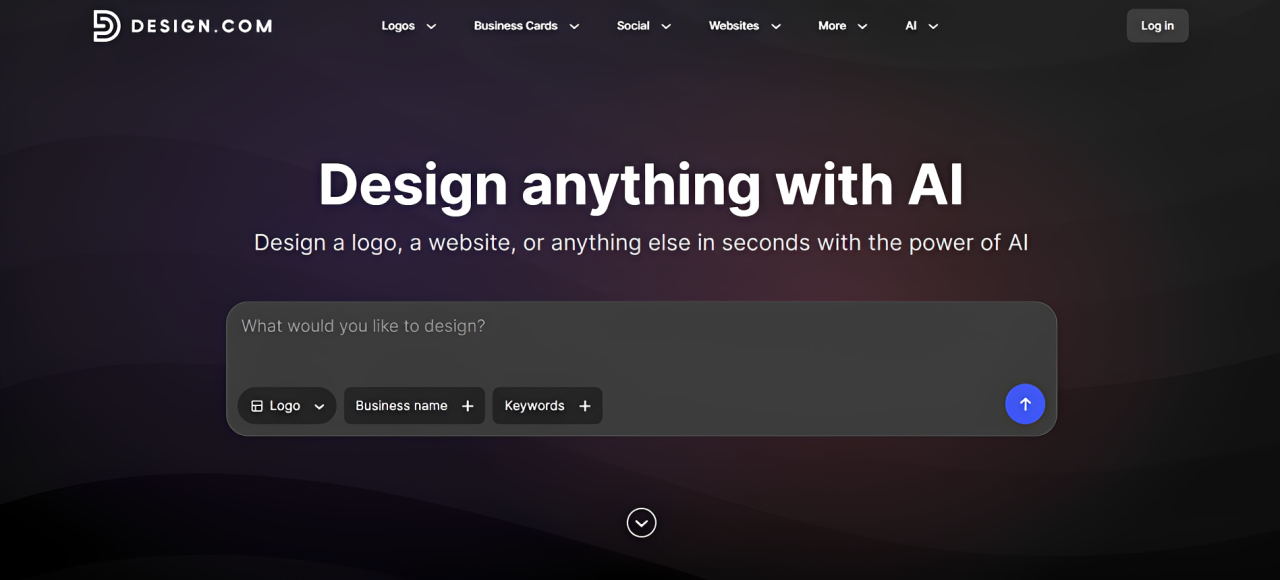
Design.com is an online logo maker that aims to help businesses create a professional logo without having to start from scratch.
Design.com provides over 500,000 logo templates that users can simply personalize and edit to fit their business needs. These logos are cleanly organized across industries, keywords, niches, and styles, so you can search for something as broad as a “food logo” or “restaurant logo” or narrow things down to a much more specific type of business or visual direction like “food truck logo”, “mexican food logo”, or even “burrito logo”.
This may seem like it’s not that important but it actually shows how seamless the whole logo making process is in Design.com. A large library isn’t particularly helpful if finding the right design feels like searching for a needle in a haystack. Some tools don’t even categorize their logo (so you waste so many minutes browsing) or if they do, the search is too broad (for example searching for “burrito logo” will also show other food like burger or cake, which is irrelevant). Design.com categorizes its logos clearly, so you can find specific logos in just a snap.
You can also create logos using its AI Logo Generator. Instead of simply searching the existing library, you provide information about your business and the AI generates designs around it. This results in even more accurate and personalized results, since it considers your specific business and identity when creating your logo.
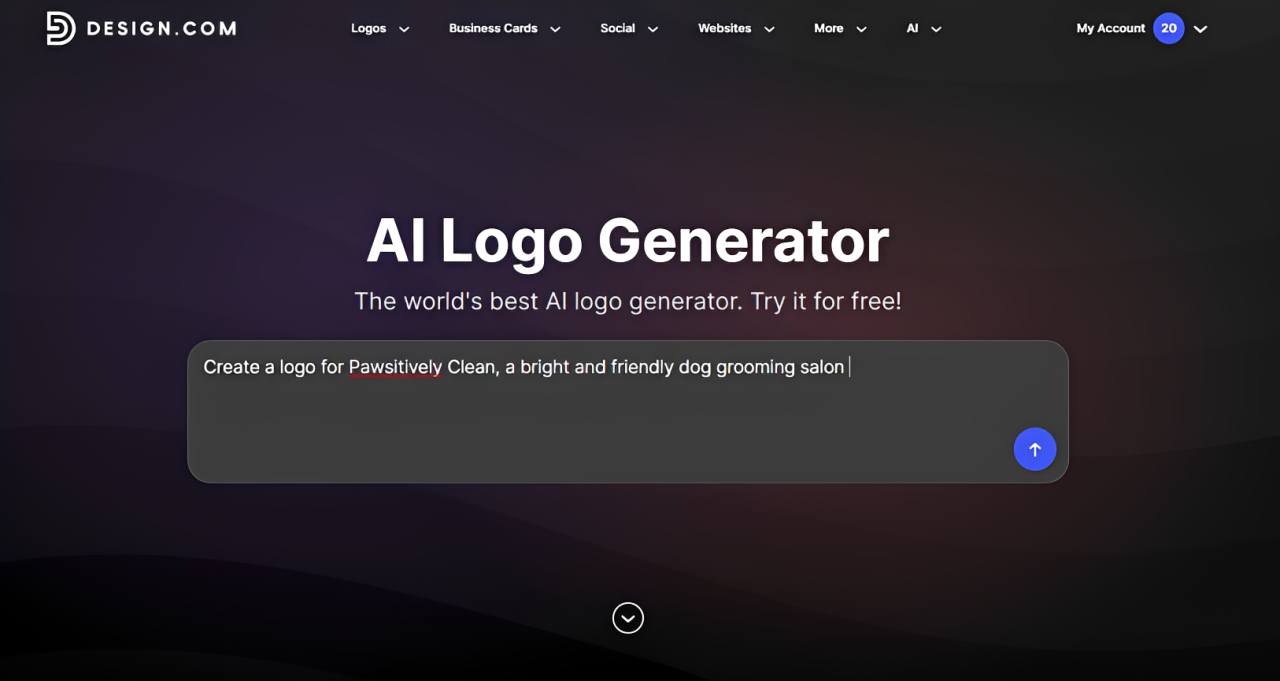
The platform doesn’t end at logos either. Design.com has tools for business cards, websites, presentations, flyers, social media graphics, and other marketing materials, allowing you to use the logo you created as the starting point for the rest of your branding.
How Does Design.com Perform?
To check if Design.com is truly worth using, we focused on testing five important areas in making a good logo: how good the logos look, how accurately they fit the business, how quickly you can create one, how easy the platform is to use, and how much choice you actually get.
Logo Quality
Rating: 9.5/10
Design.com’s quality is indeed top-notch.
Their library is created by top designers all over the world, and it clearly shows in the results. Typography is generally well matched with the graphic style, the colors are harmonious, and the layouts are balanced and clean. Nothing looks amateurish or basic, or just a random piling of icon on top of a text.
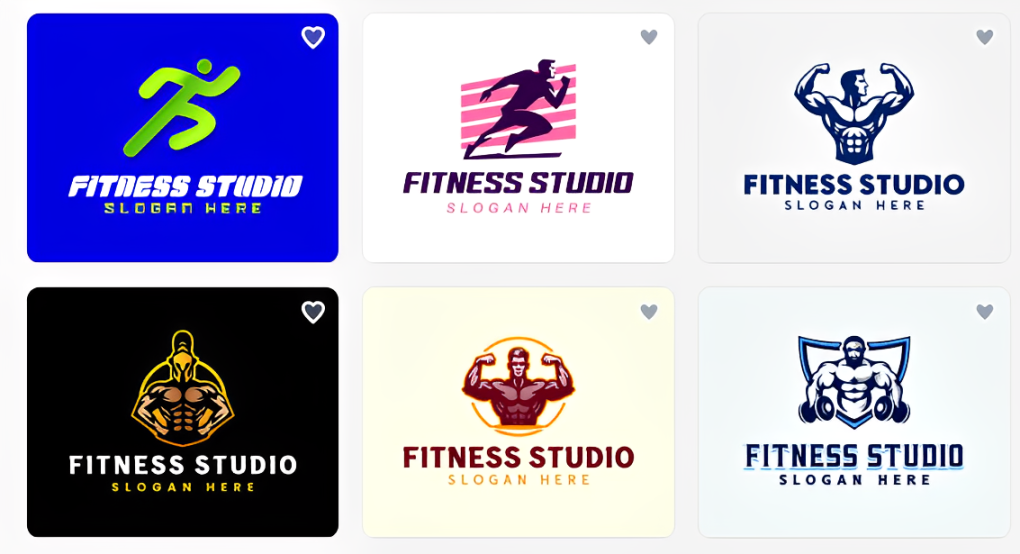
We found the logos good to go immediately, but you’ll probably still want to change the business name or a few other details to make the template truly your own. However, this is more about personalization than fixing a poor starting design.
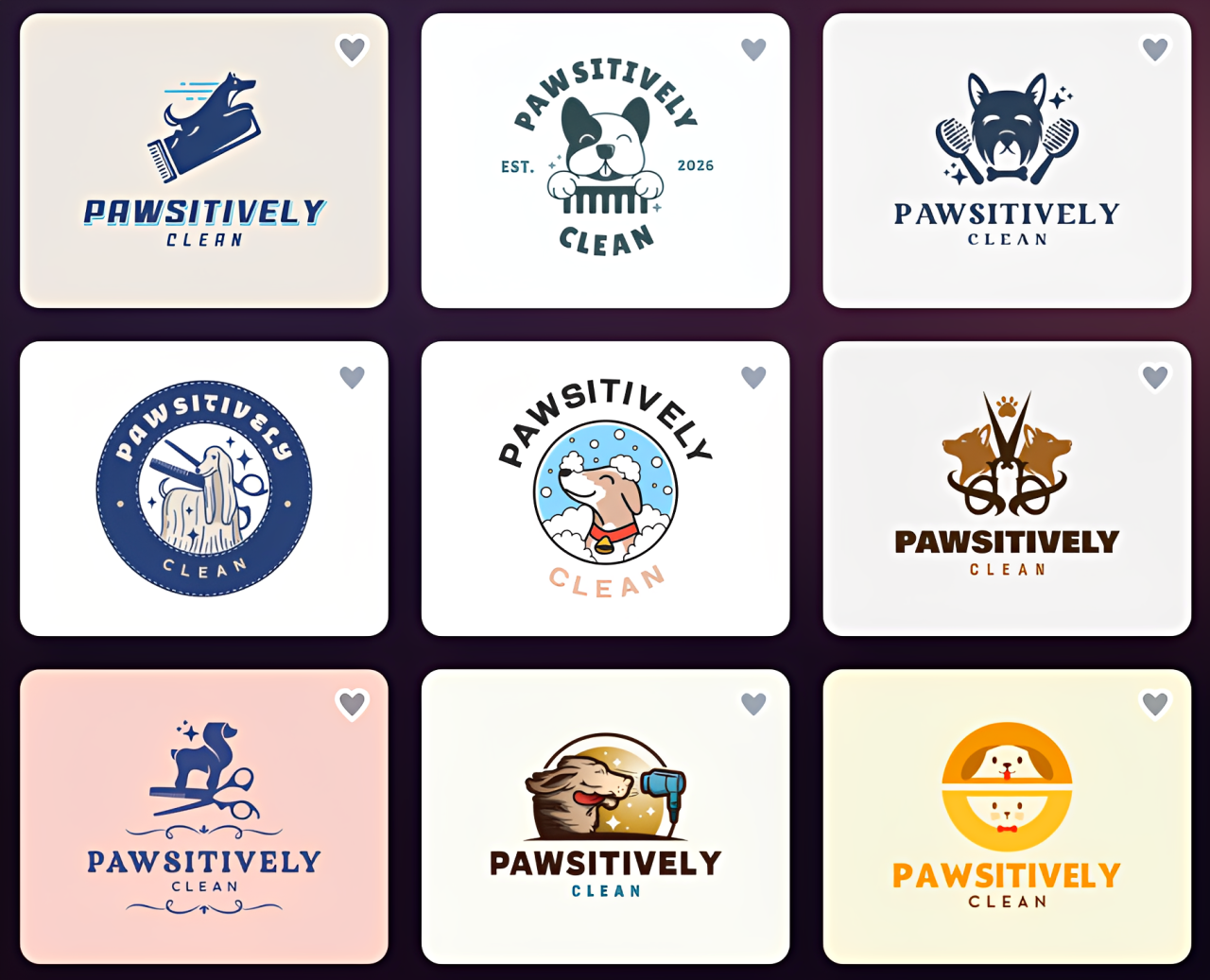
The AI Logo Generator performed well, too. You can see a sample AI logo here:
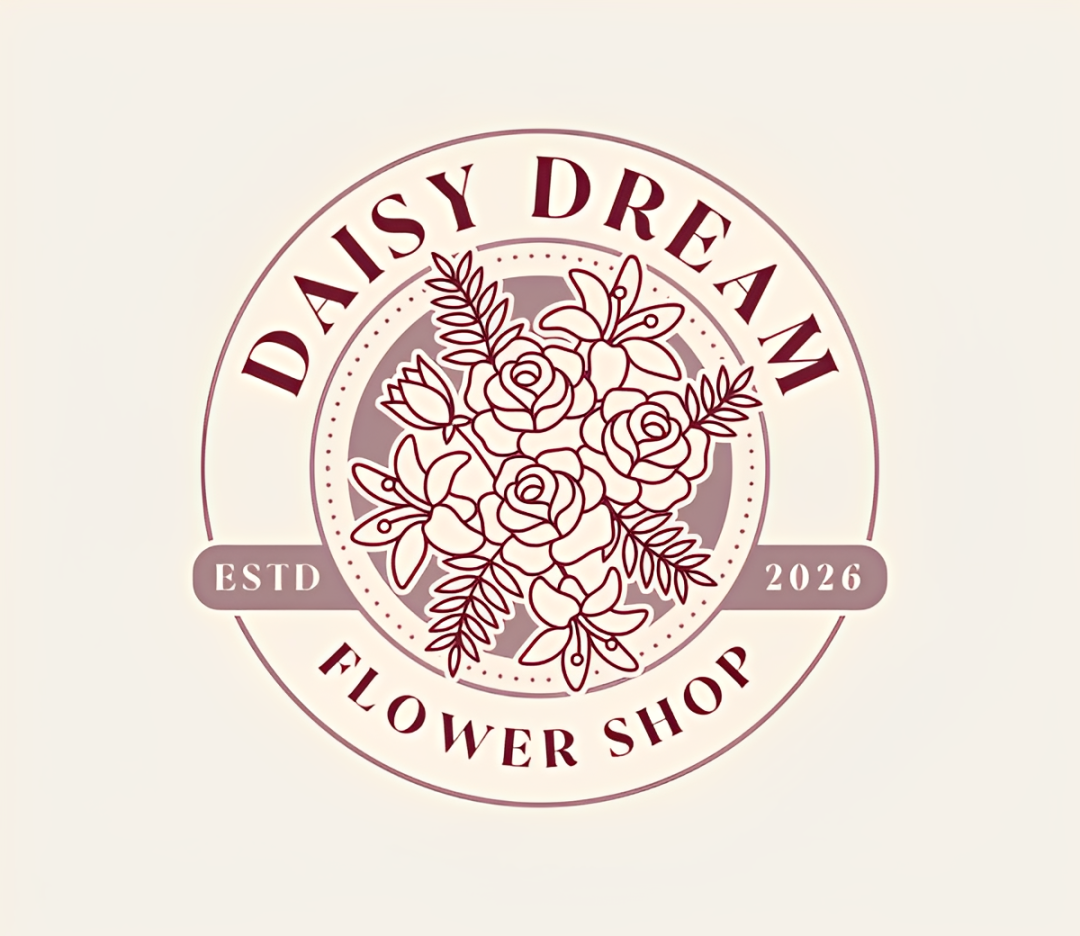
AI-generated graphics can sometimes produce strange shapes, distorted details, or other small errors that become particularly obvious in something as simple as a logo. We didn’t encounter those kinds of issues with Design.com, as you can see above. The results looked clean and usable, even with the intricate details, and it has no obvious AI tells that need correcting.
That consistency is a big advantage if you’re creating a logo yourself. You can focus on choosing the design you like rather than checking each result for visual mistakes.
Brand Relevance
Rating: 10/10
A logo doesn’t only need to look good. It also needs to look right for the business.
Design.com handles this particularly well in two ways.
The first is its template library. The range is wide enough to cover even the most niche business and style. This means users can find logos that are related to what they actually need, rather than needing to build up a logo just to look close enough. So if you run a cafe that focuses on shaved ice desserts, you can find a relevant logo rather than simply settling for a general “dessert logo” or “ice cream logo”.
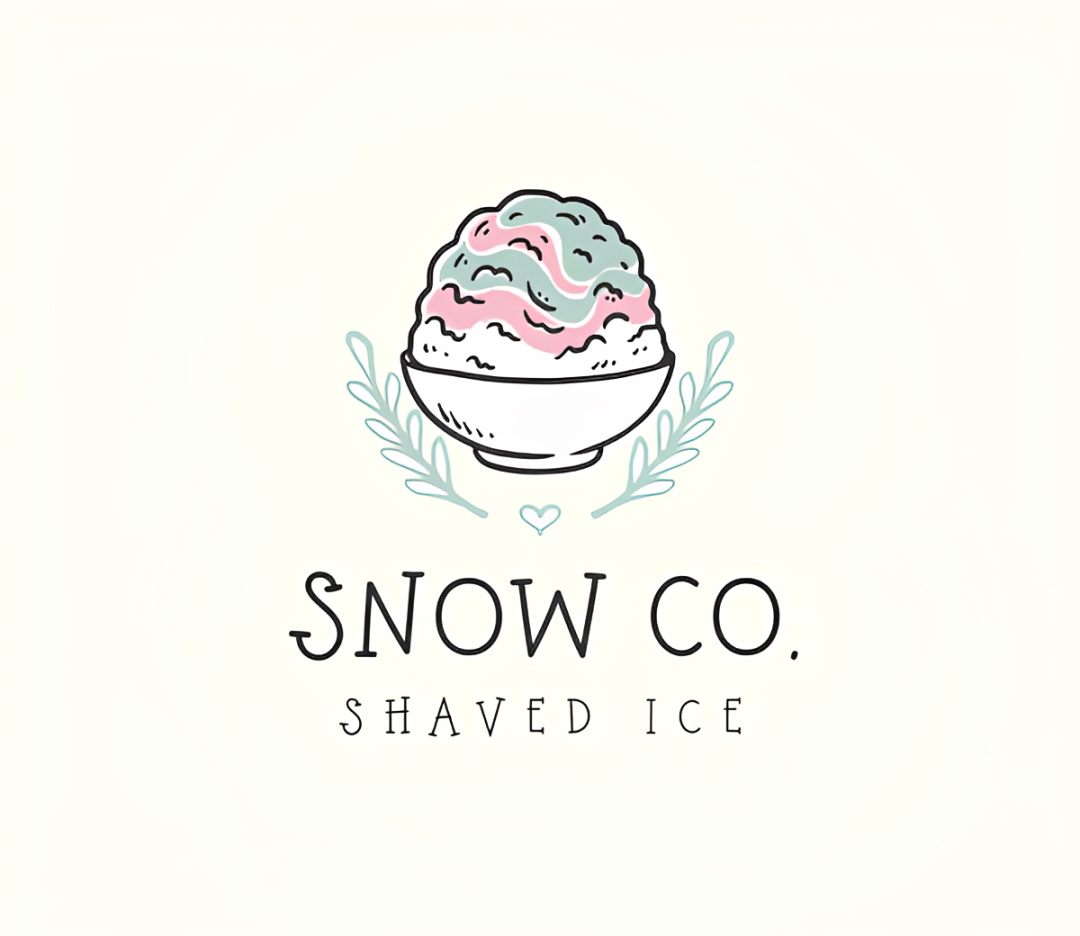
The second is the AI Logo Generator.
Rather than simply picking up one keyword and building a logo around the most obvious visual associated with it, Design.com can take the wider brand identity into account. That includes the type of business you’re creating and the personality you want the brand to have.
This leads to much more useful results.
Two businesses in the same industry can have completely different identities, after all. A luxury skincare company probably shouldn’t have the same visual style as a bright, youthful beauty brand just because both sell beauty products.

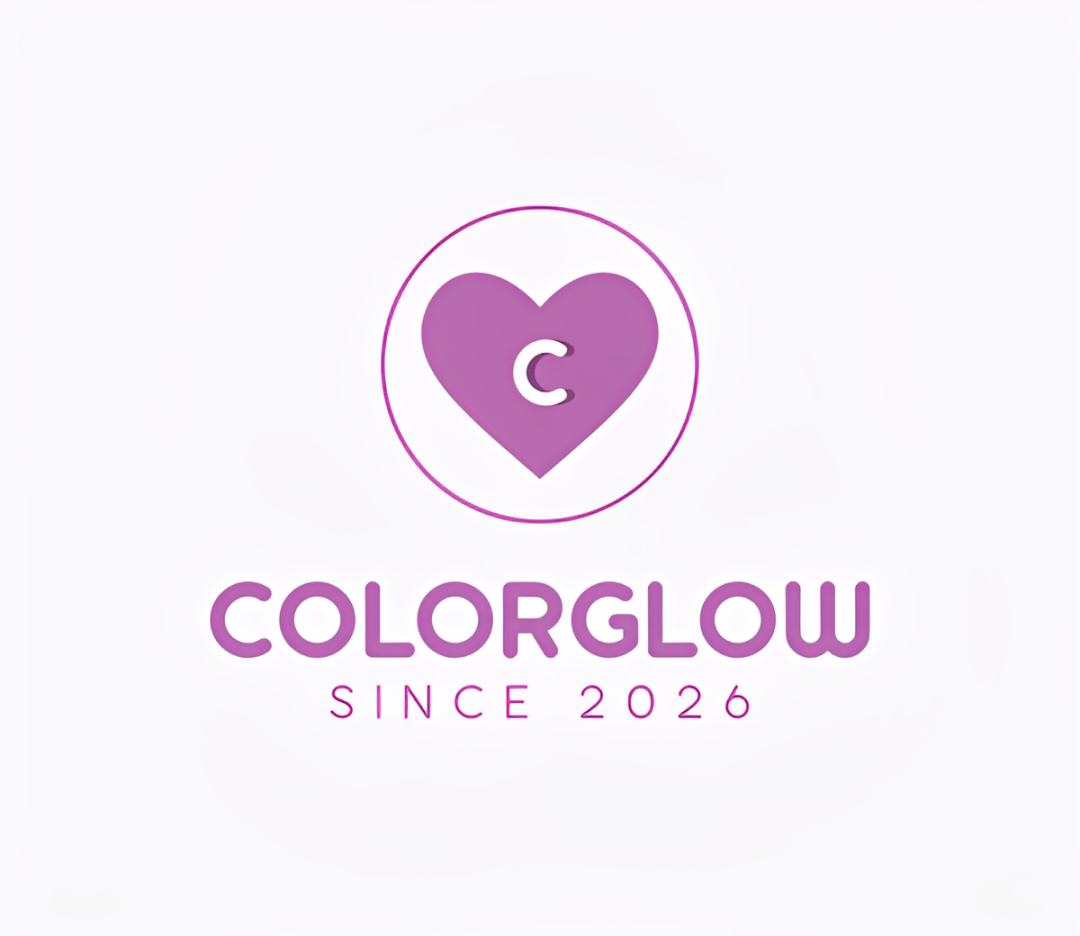
As you can see, Design.com gives you room to make that distinction.
Speed
Rating: 10/10
Design.com is fast.
In our experience, searches and AI generations both generally took around 1 to 3 seconds, so there isn’t much waiting around between entering an idea and seeing the results.
But generation speed is only one part of this.
Finding a logo quickly also depends on how useful the results are. Getting 100 designs in two seconds isn’t much help if you then spend 20 minutes scrolling through irrelevant ones. But because Design.com’s searches return logos that are closely connected to the keyword or industry you entered, you can usually start comparing suitable designs straight away.
The same applies to its AI generator. Since it considers your information when producing outputs, the logos that appear are usually all relevant and accurate to what you want so you don’t need to waste time sifting through irrelevant results.
So with Design.com, it is indeed possible to have a usable logo in just a few minutes.
Ease of Use
Rating: 9.5/10
You don’t need much design experience to understand how Design.com works.
The process is straightforward: search for a logo, choose a design, customize it, and download the finished files.
The editor is a simple drag-and-drop. Users just need to click an element to edit it or to move it to a different area. The controls are all labeled clearly and are easy to find. You can also see the changes to the logo as you make them.
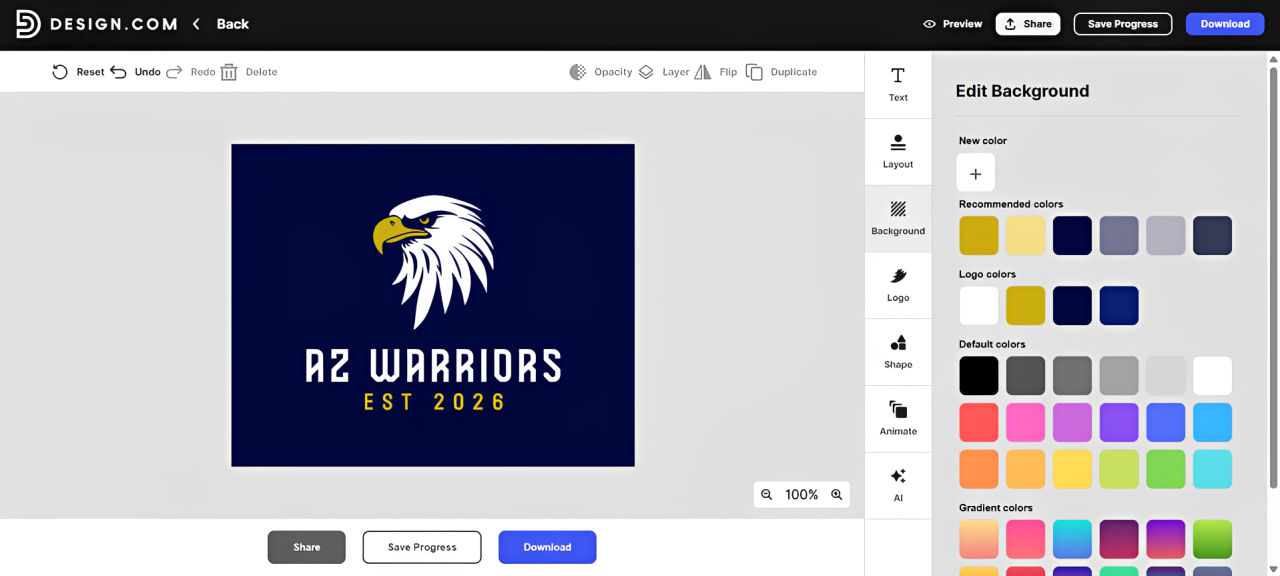
Overall, there isn’t much of a learning curve. Even someone creating their first logo should be able to understand the basic workflow fairly quickly.
But if you want to make everything even easier and faster, Design.com also has an AI chat editor.
Here, you can chat with the AI to make the edits for you. You can request for something simple like changing the color of the text to more complicated ones like adding more leaves or adding an entirely new icon. This can be helpful for beginners who know what they want to change but aren’t sure which editing tool to use.
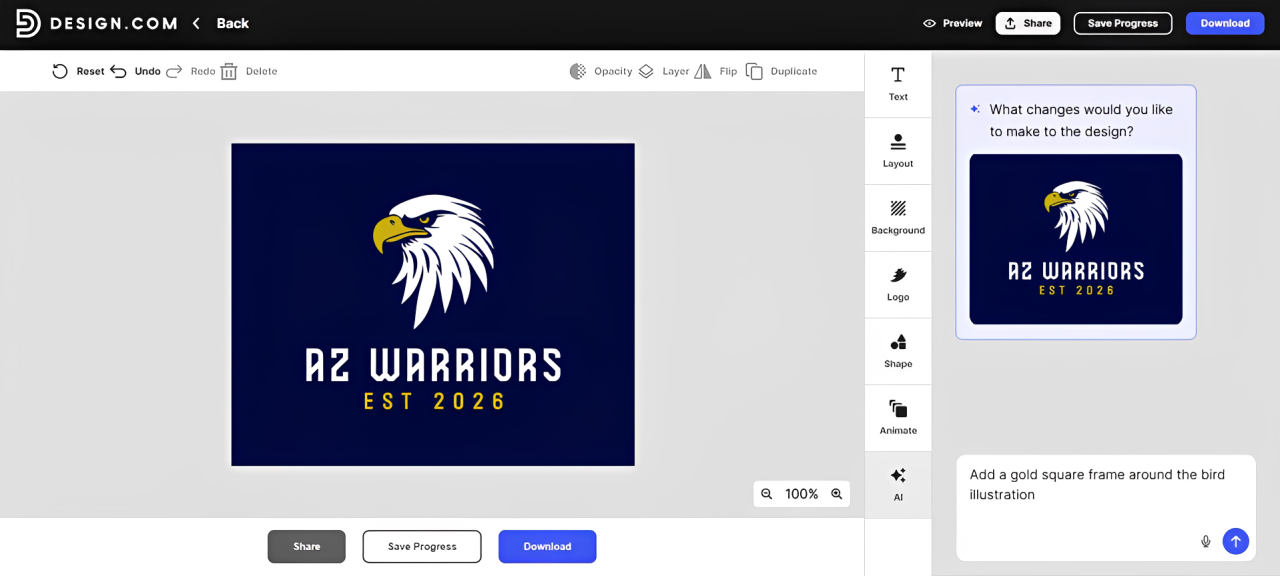
It provides options for everyone: you can use the standard editor when you want more direct control and switch to AI assistance if you need more help.
Number of Options
Rating: 10/10
Design.com’s logo library is one of its clearest advantages.
There are more than 500,000 templates available which is the largest in the market. And the library is not just big but also varied, so users can see designs that cover different industries, visual style, and brand personality. This makes it easy for users who are still shopping around for ideas to see their options without having to design everything from scratch.
The large library is particularly helpful for businesses in more specific industries. Instead of having to adapt a generic template, there is a better chance that you can find something designed around the type of business you actually run.
Overall, the number of options is excellent. The bigger challenge may simply be deciding which one you like best.
Design.com vs. Canva vs. Adobe Express
Design.com isn’t the only platform that lets you make a logo. How does it compare to other famous tools like Canva and Adobe Express?
| Feature | Design.com | Canva | Adobe Express |
|---|---|---|---|
| Best For | Logo creation | General design | Adobe users + those who want to access Adobe’s library |
| Logo Library | 500,000+ | Estimated around 25,000 | Estimated around 48,000 |
| Logo Search | Organized per page by industry, niche, keyword, and style | Search box only | Search box only |
| Brand Relevance | 5/5 | 4/5 | 3.5/5 |
| Logo Editing | Drag and Drop + AI chat | Drag and Drop | Drag and Drop |
| Ease of Use | Excellent | Excellent | Very Good |
| Number of Options Per Search | Thousands | Hundreds | Hundreds |
| Branding Tools | Yes | Yes | Yes |
Canva and Adobe Express are good if you are looking at a general design perspective, but if you want the best at logo making specifically, Design.com is at #1.
This is because Design.com puts considerably more emphasis on making your logo-making experience as easy and seamless as possible. It has the larger library, more specific categories, and accurate search and organization system compared to the two. make it easier to find a relevant design without sorting through unrelated results. Its AI Logo Generator also provides a great way to create logos around the identity and personality of the brand.
If you need a general-purpose graphic design platform, Canva and Adobe Express are both fine options. If the main job is creating a logo, Design.com is the strongest option of the three.
Design.com Pricing
Now how much does Design.com cost to use?
| Plan | Price | What You Get |
|---|---|---|
| Free | $0 | Free templates, contains all the hi-res logo files (no watermarks and no hidden charges) |
| Starter | $9/month | Premium templates + Business cards Instagram posts Facebook posts Email signature Letterheads 50+ other design tools |
| Value | $14/month | Everything in Starter + Website |
| Premium | $19/month | Everything in Starter + Website Link in bio Digital business cards |
Design.com offers free templates that can be downloaded for free, no watermarks, no hidden charges. You also get all the hi-res files. It’s truly free.
If you want the premium templates, you’ll need to purchase a subscription plan to download them. Each plan unlocks a wider collection of design tools.
Verdict: Is Design.com the Best Logo Maker?
After testing out how Design.com works, we can see why it has become one of the leading logo makers on the market.
Its greatest strength isn’t a single feature, but the overall experience. The combination of an enormous professionally designed logo library, highly relevant search results, fast browsing, and beginner-friendly editing makes it remarkably easy to go from a simple idea to a finished logo in just a few minutes.
It also performed particularly well for brand relevance and number of options, which you can say are the most important factor when it comes to creating a logo. With more than 500,000 logos covering different industries, niches, keywords, and styles, there’s a good chance of finding something that already suits your business. This makes it easy to have a logo that truly fits your brand identity, rather than looking generic or bland.
Design.com also makes the next step easier. Once you have your logo, you can use it across business cards, websites, social media graphics, presentations, and other marketing materials, which is also available on the platform. No need to move into a different tool!
So, is it the best logo maker in the market? For most small businesses and entrepreneurs looking for a DIY logo maker, we’d indeed put it as the #1 on the list.
