
A logo is only the starting point of a brand. The real test of a logo maker is whether it can carry that identity across everything a business actually needs: business cards, social media kits, signage, uniforms, and brand guidelines. We put Design.com and Canva through that exact test to see which platform is better for building a complete brand, not just a single image file.
Both tools can generate a logo in seconds. The question this comparison answers is what happens next. Can the platform turn that logo into a cohesive, usable brand system, or does the user have to leave the tool and stitch everything together themselves?
At a Glance
| Category | Design.com | Canva |
|---|---|---|
| Brand creation from scratch | Strong, built around creating a complete brand | Strong, but broader design focus |
| Automatic brand setup | Logo can establish the starting colors and visual direction | Brand Kit typically requires more setup |
| Matching brand assets | Designed to carry the brand across related business materials | Brand assets can be kept consistent using Brand Kit and templates |
| Guided branding workflow | Guided from initial identity to supporting assets | Editor-led workflow |
| Branding tools in one platform | 50+ tools covering core brand and business materials | Broad creative suite covering branding and general content |
| Verdict | Stronger choice for building a complete brand from scratch | Better suited to users who want more hands-on design control |
How We Tested Design.com and Canva for Complete Brand Building
We started both platforms with the same input: an auto repair shop called RapidFix Auto Repair. From there, we tracked what each tool offered beyond the initial logo, specifically:
- Brand asset variety: Does the platform generate more than a logo, such as business cards, social templates, or shop signage mockups? Consistency across assets: Do the additional assets actually match the logo’s colors, fonts, and style, or do they feel disconnected?
- Brand guidelines: Does the platform document the brand’s colors, fonts, and usage rules for the user?
- File formats and delivery: What file types are provided, and are they usable across print, web, and vehicle graphics?
- Guided workflow: Does the platform walk a non-designer through building a full brand, or does it assume the user already knows what a brand kit needs?
- Ownership and commercial protection: Can the resulting brand be used commercially without licensing conflicts or duplication risk?
Design.com Results: A Genuine End-to-End Brand System
Design.com’s advantage carried directly into brand building for RapidFix Auto Repair, and the gap widened once we moved past the initial logo.
A logo that becomes a full brand kit
Once we selected a logo direction, we could start building out the rest of the brand using Design.com’s 50+ design and branding tools. The logo’s colors, typography, and visual style carried across matching assets, from business cards and social graphics to websites and presentations.
Design.com’s logo maker does not treat the logo as the finish line but treats the logo as the seed for everything else the business will need, including the kind of durable, high-visibility branding an auto shop depends on.
More room to create something distinctive
Design.com’s library includes more than 500,000 logo templates created by designers and over 1 million design templates overall, giving businesses more ways to avoid generic-looking results and find a direction that fits their brand.
An independent auto repair shop, performance garage, luxury car specialist, and mobile mechanic should not all look the same. The range of designer-created options makes it easier to explore different styles and create an identity that feels specific to the business.
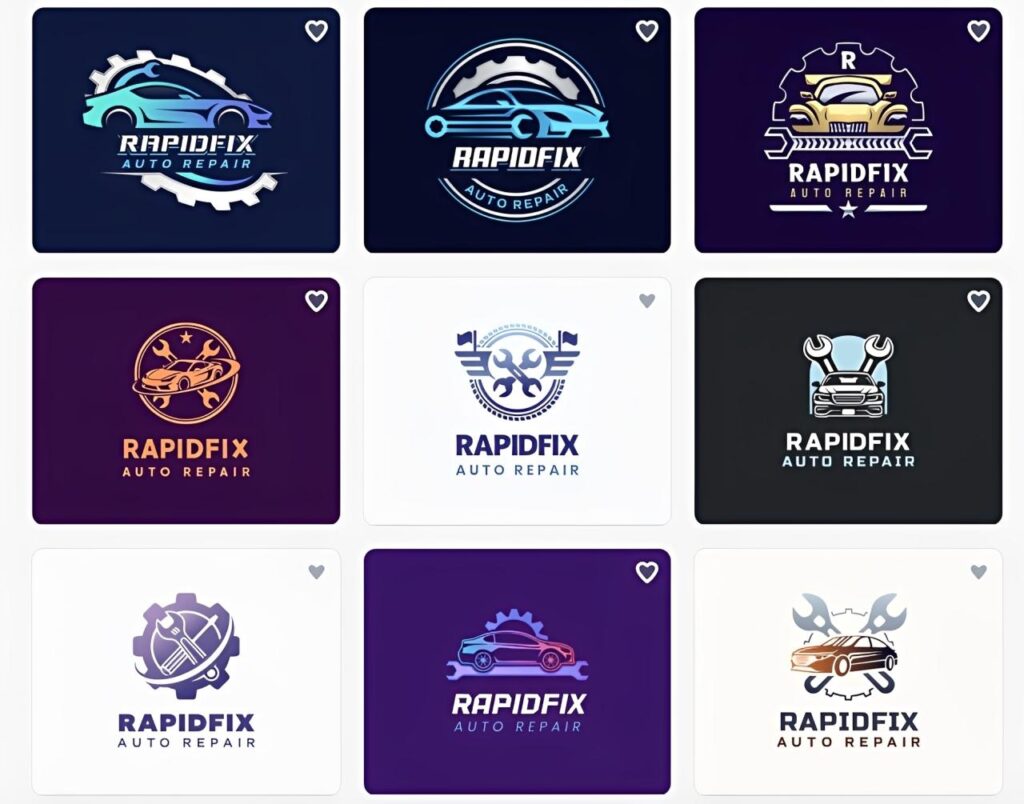
Take a look at the different logo variations and how each one can be carried across a range of branded materials.
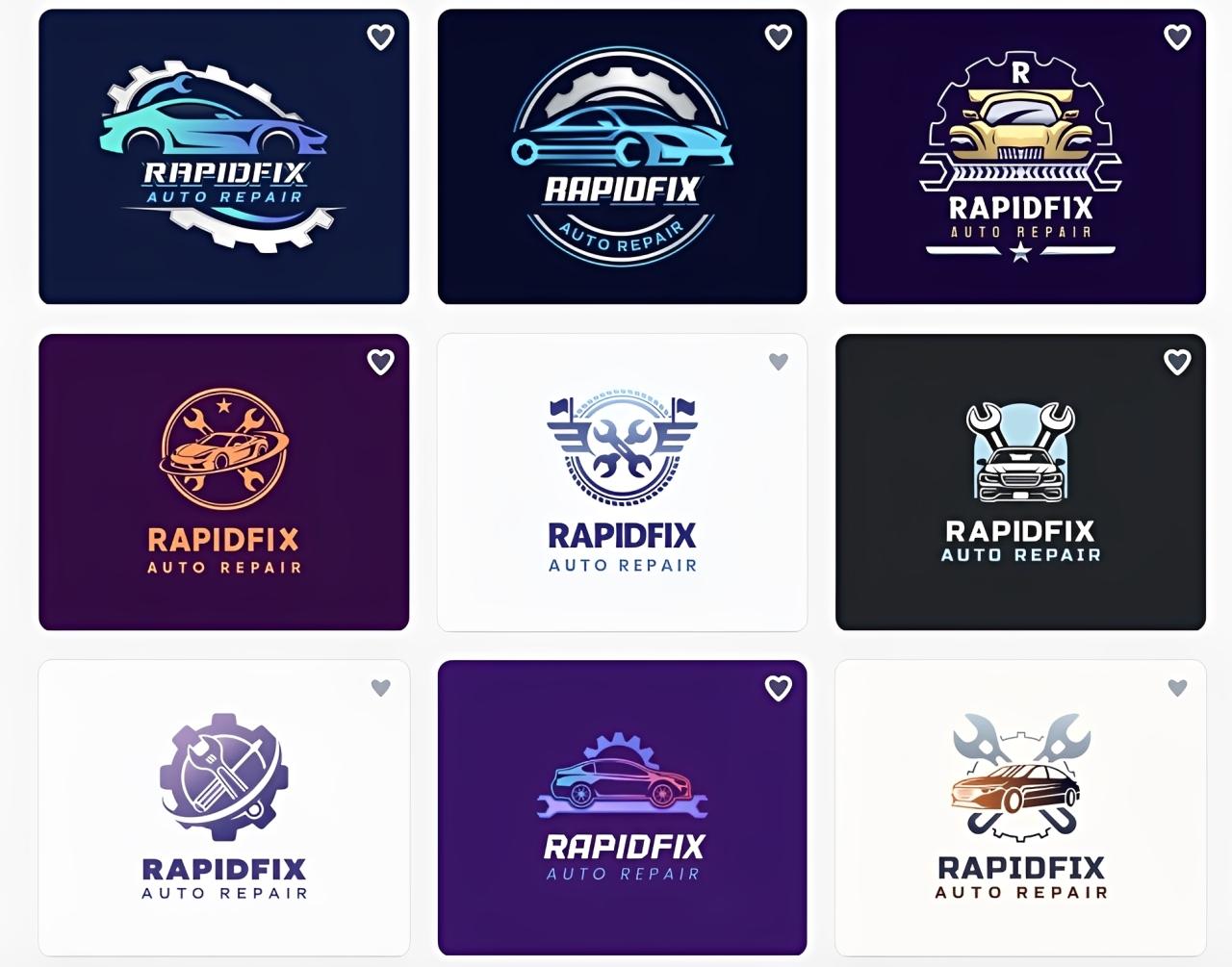
Let’s look at the next page to see how the designs carry across the rest of the brand.
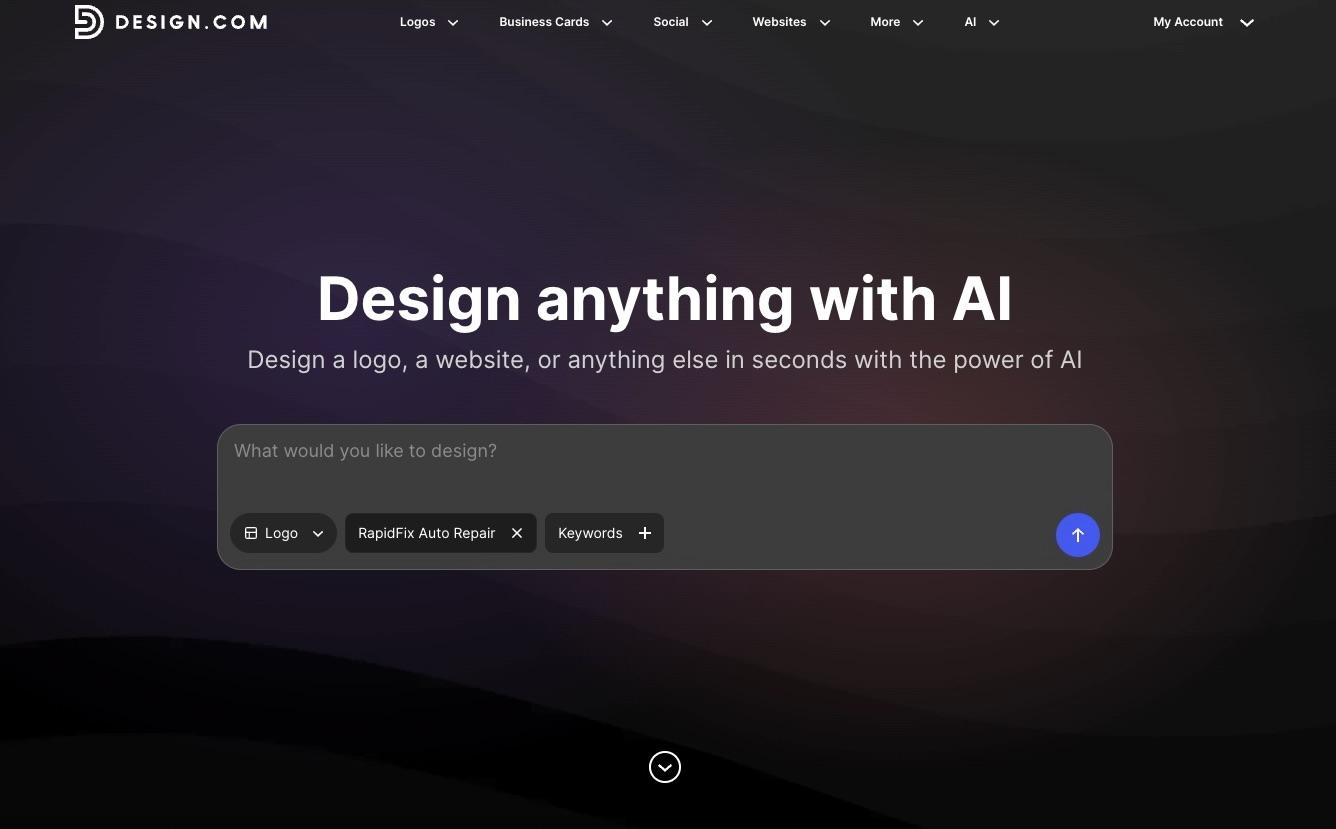
By simply entering the business name and keywords such as “auto repair shop,” Design.com’s logo generator generates a wide range of options in different styles and layouts.
Consistency was maintained automatically
Since Design.com generated the additional assets from the same source design, there was no manual matching required. The same logo carried through to the business card template and social assets without us adjusting a single swatch.
For a shop owner without design training, this matters enormously. Manually recreating a brand’s colors and fonts across five or six different asset types is exactly the kind of task that introduces mismatched shades, inconsistent fonts, and an unprofessional feel. Design.com removed that risk from the process.
Clear guidance at every step
The platform did not assume prior design knowledge. Each stage of the brand-building flow explained what the asset was for and how it should be used, which made the process approachable even with zero branding background. This guided structure is what separates a logo generator from a genuine brand-building platform.
Commercial protection built in
Design.com’s logos are checked for originality, and extended licensing options are available for businesses that want exclusive use of their mark. For a shop that plans to put its logo on a building, a fleet of vehicles, and staff uniforms, that protection is a meaningful part of “complete.” A brand identity is not really finished if the business cannot confidently claim it as its own.
Design.com score
| Criterion | Score |
|---|---|
| Brand asset variety | 10/10 |
| Consistency across assets | 10/10 |
| Brand guidelines provided | 9/10 |
| File formats and delivery | 9/10 |
| Guided workflow | 10/10 |
| Ownership and commercial protection | 10/10 |
| TOTAL | 58/60 |
Canva Results: A Capable Toolkit With a More Manual Path
Canva performed respectably in this test. Its template library is large, and a user who invests some setup time can get to a solid result. The gaps that separated it from Design.com were less about output quality and more about how much of the work Canva expects the user to do.
A lighter guided workflow
Canva’s strength is its flexibility, but that flexibility comes with less built-in direction. There was a Brand Kit setup process, but no dedicated flow that walked us from “here is your logo” to “here is your finished brand kit” the way Design.com’s did. A user who already understands branding fundamentals can build a strong identity in Canva without much trouble. A user newer to branding will do more of the assembly themselves.
Brand creation feels more fragmented
Creating the logo is only one part of building a business identity. The next step is usually applying it to materials such as business cards, social graphics, signage, presentations, and a website.
Canva can handle many of these formats, but the process feels more like creating a series of separate designs. Design.com places more emphasis on carrying the same identity from the initial logo into matching assets, which reduced the amount of rebuilding required in our test.
Some designs can feel generic
Canva’s large template library provides plenty of starting points, but some designs can have a familiar, template-driven look. Popular layouts, graphics, and styles are available to many other users, so making only minor edits can leave a brand looking less distinctive.
This becomes more noticeable when building a complete identity rather than creating a one-off social post or flyer. Logos, business cards, signage, and other core materials need enough variation to feel specific to the business. Getting there in Canva may require changing more than just the colors, fonts, and business name.
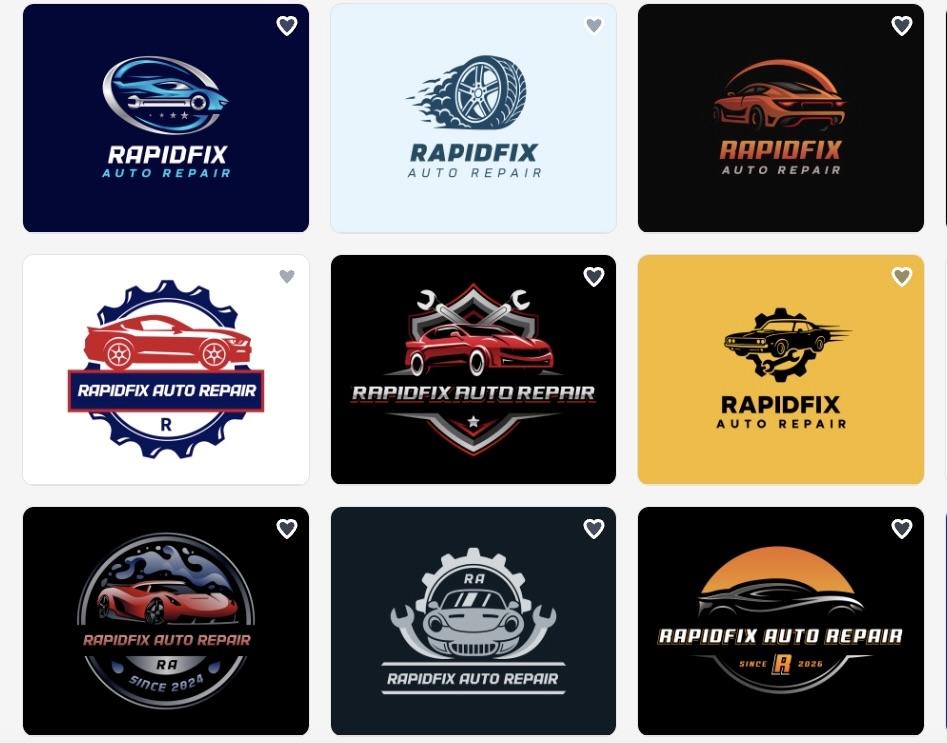
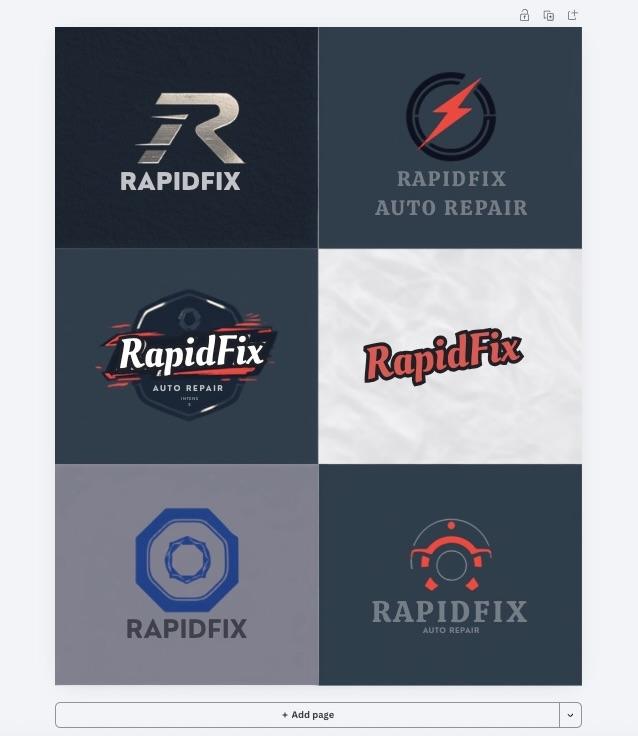
Here are some of the designs Canva generated in our test. Several feel a bit generic, with familiar layouts and visual elements that could work for many different businesses. For branding, that makes it harder to create a distinctive identity that customers can immediately associate with one business.
Licensing is a bit less clear-cut
Canva’s AI-generated logos and stock template graphics are not guaranteed to be unique, and commercial use is subject to Canva’s content-license terms. For a shop trying to build a brand identity, it can defend as its own on signage and vehicles, that is a secondary consideration worth knowing, especially next to Design.com’s originality checks and exclusive licensing path.
Canva score
| Criterion | Score |
|---|---|
| Brand asset variety | 8/10 |
| Consistency across assets | 8/10 |
| Brand guidelines provided | 8/10 |
| File formats and delivery | 9/10 |
| Guided workflow | 9/10 |
| Ownership and commercial protection | 8/10 |
| TOTAL | 50/60 |
Verdict: Which Logo Maker Is Better for Building a Complete Brand?
Design.com is the stronger platform for building a complete brand. It does not stop at the logo but carries that design directly into business cards, social assets, signage mockups, and a starter style guide, without asking the user to rebuild the same color palette and typography from scratch.
Canva remains a capable, flexible design tool, and it can get a shop like RapidFix Auto Repair to a solid finished brand kit, especially in the hands of someone comfortable with manual setup. But for the owner asking the actual question behind this comparison, Design.com’s automatic, guided approach gets there faster and with fewer decisions left to the user.
For a small business that wants to go from name to a finished, consistent brand identity with the least amount of manual design work, Design.com is the better choice.
Frequently Asked Questions
Which tool is better for creating matching brand assets?
Design.com is the stronger option for automatically creating matching assets from a logo and brand identity. Canva also supports consistent branding through Brand Kit, but gives users more control over selecting and applying those elements.
Can I create a logo with both Design.com and Canva?
Yes. Both platforms provide logo creation tools. Design.com places more emphasis on logo generation and connecting the finished logo with other business assets, while Canva combines logo creation with its broader design platform.
Which is better for small businesses, Design.com or Canva?
Design.com is particularly well-suited to small businesses that want to establish a complete brand with minimal design work. Canva makes more sense for businesses that want a flexible design workspace to produce a wide range of visual content.
